Overview
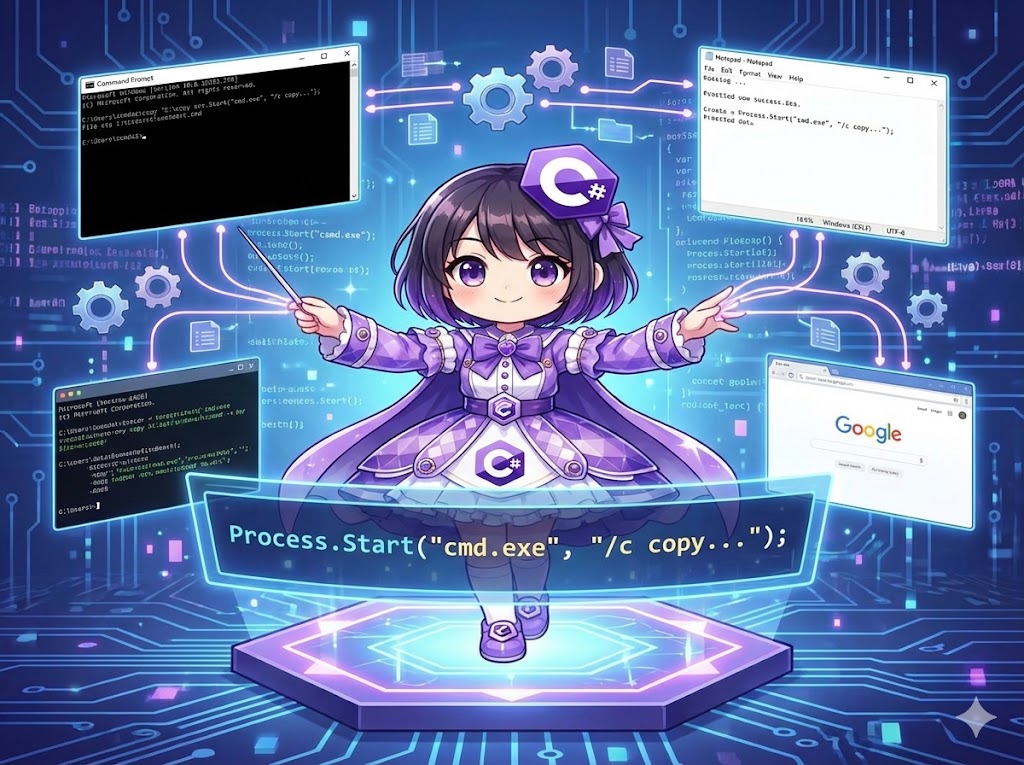
This is how to start external applications (such as Notepad, browsers, or Command Prompt) or execute shell commands from a C# program. By using the System.Diagnostics.Process.Start method, you can run other .exe files or process commands by passing arguments.
Specifications (Input/Output)
- Input:
fileName: The path of the application or the command name to execute (e.g., “notepad.exe”, “cmd.exe”).arguments: Command-line arguments to pass to the application (optional).
- Output:
Process: An object used to manage the started process (throws an exception if it fails to start).
- Behavior:
- Launches the specified program as a new process.
Basic Usage
Call the method by specifying the executable file name and arguments.
using System.Diagnostics;

// Open a specific file with Notepad
Process.Start("notepad.exe", @"C:\logs\error.log");

// Open a URL in a browser (ProcessStartInfo may be required in .NET Core or later)
Process.Start("explorer.exe", "https://google.com");
Full Code
The following is a console application that executes a file copy command via the Windows Command Prompt (cmd.exe) and waits for it to finish.
using System;
using System.Diagnostics;
using System.IO;

class Program
{
    static void Main()
    {
        // Create a dummy file for testing
        File.WriteAllText("example.txt", "This is a test file.");

        Console.WriteLine("--- Starting command execution ---");

        // 1. Start the process
        // fileName: "cmd.exe" (Command Prompt)
        // arguments: "/c copy example.txt example_backup.txt"
        //   /c : Option to terminate after executing the command
        //   copy ... : The actual copy command
        try
        {
            using (Process proc = Process.Start("cmd.exe", "/c copy example.txt example_backup.txt"))
            {
                if (proc != null)
                {
                    // 2. Wait for the process to exit
                    // Without this, the code moves to the next step before the copy finishes
                    proc.WaitForExit();

                    // Check the exit code (0 usually indicates success)
                    Console.WriteLine($"Exit Code: {proc.ExitCode}");
                }
            }

            Console.WriteLine("--- Command execution completed ---");

            // Verify the result
            if (File.Exists("example_backup.txt"))
            {
                Console.WriteLine("Success: Backup file has been created.");
            }
        }
        catch (Exception ex)
        {
            Console.WriteLine($"An error occurred: {ex.Message}");
        }
    }
}
Execution Result Example
--- Starting command execution ---
        1 file(s) copied.
Exit Code: 0
--- Command execution completed ---
Success: Backup file has been created.
Customization Points
- Hiding the Window: If you want to avoid showing the black console window, use the
ProcessStartInfoclass and setCreateNoWindow = trueandUseShellExecute = false. - Running with Administrator Privileges: By setting the
Verbproperty ofProcessStartInfoto"runas", you can trigger a UAC prompt to run the process as an administrator.
Points of Caution
- Spaces in Paths: If a file path in the arguments contains spaces (e.g.,
C:\Program Files\...), you must wrap the entire path in double quotes ("\"C:\\Program Files\\...\""). - Importance of WaitForExit:
Process.Startreturns control immediately after launching the process. If you need to use the results of the started process (such as a generated file) in subsequent code, always useWaitForExit()to wait for completion. - Platform Dependence:
cmd.exeis specific to Windows. To run on Linux or macOS, you must specify a shell appropriate for the OS, such as/bin/bash.
Application
Detailed Settings with ProcessStartInfo (Retrieving Standard Output)
This implementation example shows how to receive the execution results (the text displayed in the console) as a string within your C# program.
using System;
using System.Diagnostics;

class ProcessUtil
{
    public static void RunPing()
    {
        var psi = new ProcessStartInfo
        {
            FileName = "ping",
            Arguments = "8.8.8.8 -n 3", // Ping Google DNS 3 times
            RedirectStandardOutput = true, // Enable reading output
            UseShellExecute = false,       // Required for redirection
            CreateNoWindow = true          // Do not show the black window
        };

        using (var proc = Process.Start(psi))
        {
            // Read the output to the end
            string result = proc.StandardOutput.ReadToEnd();
            proc.WaitForExit();

            Console.WriteLine("=== Ping Results ===");
            Console.WriteLine(result);
        }
    }
}
Summary
Process.Start is an essential method for integrating with external tools. For simple launches, calling the method with two arguments is sufficient. However, if you need to suppress the window, retrieve results, or set environment variables, transition to using ProcessStartInfo. Additionally, when executing external commands, be mindful of security (command injection) and ensure that arguments are properly escaped.