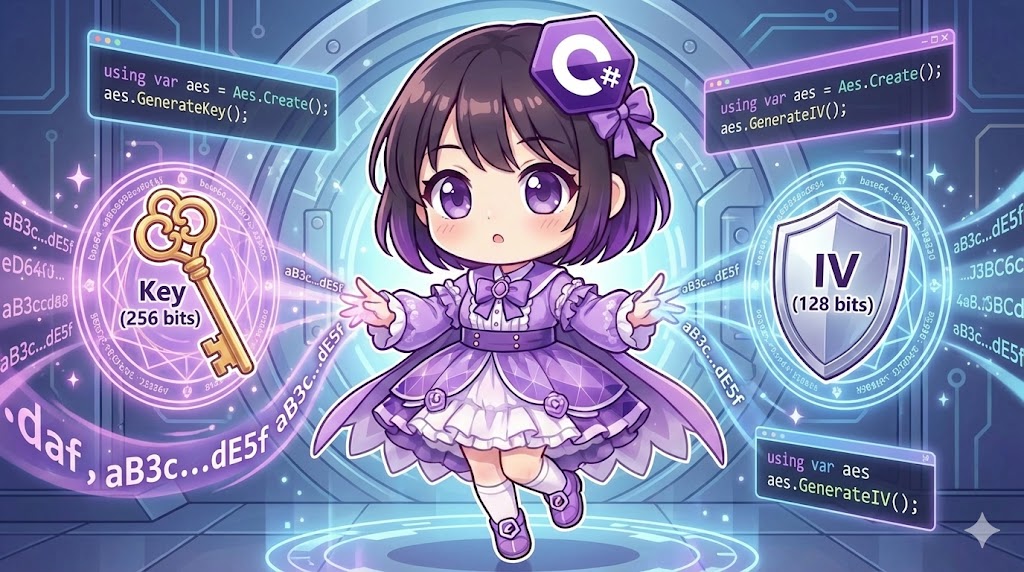
Overview
To perform secure communication using symmetric encryption like AES (Advanced Encryption Standard), both the encryption and decryption processes must share the same “Key” and “Initialization Vector (IV).” By using classes in the System.Security.Cryptography namespace in .NET, you can easily generate cryptographically secure random keys and IVs.
Specifications (Input/Output)
- Input: None (values are generated randomly).
- Output: Generated Key and IV (byte arrays).
- Prerequisites: Uses the .NET standard library. AES is the recommended algorithm.
Basic Usage
When you create an instance using Aes.Create(), a random Key and IV are automatically assigned to the properties. You can also explicitly regenerate new random values by calling the GenerateKey() and GenerateIV() methods.
using var aes = Aes.Create();

// Explicitly regenerate (not strictly required immediately after instantiation)
aes.GenerateKey();
aes.GenerateIV();

byte[] key = aes.Key;
byte[] iv = aes.IV;
Full Code Example
The following code uses AES to generate a Key and IV, then displays them in Base64 format, which is convenient for saving or sharing. Note that Aes.Create() is preferred over the older AesManaged implementation.
using System;
using System.Security.Cryptography;

class Program
{
    static void Main()
    {
        Console.WriteLine("Starting AES Key and IV generation...");

        // Generate Key and IV
        var (key, iv) = GenerateKeyAndIv();

        // Display results
        // Binary data (byte[]) is converted to Base64 strings to avoid text corruption
        Console.WriteLine($"Key (Size: {key.Length} bytes / {key.Length * 8} bits)");
        Console.WriteLine(Convert.ToBase64String(key));

        Console.WriteLine();

        Console.WriteLine($"IV  (Size: {iv.Length} bytes / {iv.Length * 8} bits)");
        Console.WriteLine(Convert.ToBase64String(iv));
    }

    /// <summary>
    /// Generates and returns a Key and IV for the AES algorithm.
    /// </summary>
    static (byte[] Key, byte[] IV) GenerateKeyAndIv()
    {
        // Aes.Create() is the best practice
        // 'using' ensures sensitive resources are disposed of after use
        using var aes = Aes.Create();

        // Set key size (commonly 128, 192, or 256 bits. Default is usually 256)
        aes.KeySize = 256;

        // Block size is fixed at 128 bits for AES
        aes.BlockSize = 128;

        // Overwrites properties with strong random values
        aes.GenerateKey();
        aes.GenerateIV();

        // Return copies of the property values
        return (aes.Key, aes.IV);
    }
}
Customization Points
- Changing KeySize: You can change the key length by setting
aes.KeySize = 128;. Longer keys are more secure but may impact processing speed or be subject to compatibility constraints. - Generating from Passwords: If you want to generate a key from a user-entered password, you should use a key derivation function such as
Rfc2898DeriveBytes(PBKDF2) instead of simple random generation.
Important Notes
- Do Not Treat as Strings: Encryption keys and IVs are arbitrary byte sequences, not encoded text like UTF-8. Always use
Convert.ToBase64Stringor handle them as binary data when saving or transferring. UsingEncoding.UTF8.GetString(key)will corrupt the data. - Key Management: You must strictly manage generated keys to prevent leaks. Never hard-code keys directly into source code.
- Role of IV: While the IV does not need to be secret, it must be “unique for every message” encrypted with the same key. Reusing an IV with the same key creates vulnerabilities that allow patterns to be analyzed in the ciphertext.
Conclusion
In symmetric encryption, the Aes.Create() method allows for the easy generation of keys and IVs based on cryptographically secure random numbers. Since the generated data is in binary format, convert it to Base64 for readability when necessary. In actual production environments, it is essential to change the IV for every message and store the Key in a secure management system.