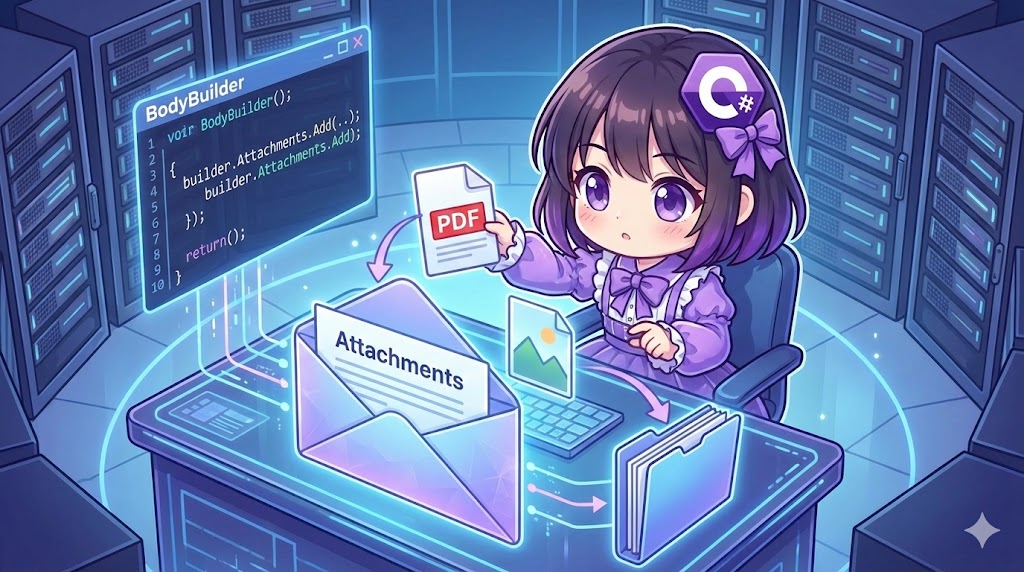
Overview
When sending files such as images or documents via email, you must build a MIME (Multipurpose Internet Mail Extensions) multipart structure. This is different from a simple text email. By using the BodyBuilder class from the MailKit library, you can easily combine the message body and attachments without needing to understand complex MIME structures.
Specifications (Input/Output)
- Input: Sender, recipient, subject, body, and the file path of the attachment.
- Output: Execution of the email transmission with the file attached.
- Prerequisites: .NET Standard 2.0 or higher. Requires the
MailKitNuGet package.
Basic Usage
Create an instance of BodyBuilder, set your message in TextBody, and add the file path to Attachments.Add. Finally, generate the message entity using the ToMessageBody() method and assign it to MimeMessage.Body.
var builder = new BodyBuilder();

// Set the body text
builder.TextBody = "Please check the attached file.";

// Add the attachment
builder.Attachments.Add("report.pdf");

// Set as the message body
message.Body = builder.ToMessageBody();
Full Code Example
The following example implementation checks if a file exists and only attaches it if it is found.
using System;
using System.Collections.Generic;
using System.IO;
using System.Threading.Tasks;
using MailKit.Net.Smtp;
using MailKit.Security;
using MimeKit;

class Program
{
    static async Task Main()
    {
        var sender = new MailSender
        {
            From = "sender@example.com",
            To = new[] { "mori01@example.com", "mori@example.com" },
            Subject = "Attachment Test",
            Body = "Attaching an image file.\nPlease check it.",
            AttachmentPath = "example.png" // Path to the file
        };

        // Create a dummy file for testing
        if (!File.Exists(sender.AttachmentPath))
        {
            File.WriteAllText(sender.AttachmentPath, "Dummy Image Data");
        }

        Console.WriteLine("Starting transmission...");
        try
        {
            await sender.SendMailAsync();
            Console.WriteLine("Success");
        }
        catch (Exception ex)
        {
            Console.WriteLine($"Error: {ex.Message}");
        }
    }
}

public class MailSender
{
    // SMTP Server Settings
    private const string SmtpHost = "smtp.example.com";
    private const int SmtpPort = 587;
    private const string SmtpUser = "user";
    private const string SmtpPass = "password";

    public IEnumerable<string> To { get; set; } = new List<string>();
    public IEnumerable<string>? Cc { get; set; }
    public IEnumerable<string>? Bcc { get; set; }
    public string From { get; set; } = string.Empty;
    public string Subject { get; set; } = string.Empty;
    public string Body { get; set; } = string.Empty;
    public string? AttachmentPath { get; set; }

    public async Task SendMailAsync()
    {
        var message = new MimeMessage();

        // Build header information
        message.From.Add(new MailboxAddress(PickupName(From), From));

        if (To != null)
        {
            foreach (var addr in To)
                message.To.Add(new MailboxAddress(PickupName(addr), addr));
        }

        if (Cc != null)
        {
            foreach (var addr in Cc)
                message.Cc.Add(new MailboxAddress(PickupName(addr), addr));
        }

        if (Bcc != null)
        {
            foreach (var addr in Bcc)
                message.Bcc.Add(new MailboxAddress(PickupName(addr), addr));
        }

        message.Subject = Subject;

        // Build body and attachments
        var builder = new BodyBuilder();
        builder.TextBody = Body;

        if (!string.IsNullOrEmpty(AttachmentPath) && File.Exists(AttachmentPath))
        {
            builder.Attachments.Add(AttachmentPath);
        }

        message.Body = builder.ToMessageBody();

        // Send processing
        using (var smtp = new SmtpClient())
        {
            await smtp.ConnectAsync(SmtpHost, SmtpPort, SecureSocketOptions.Auto);
            await smtp.AuthenticateAsync(SmtpUser, SmtpPass);
            await smtp.SendAsync(message);
            await smtp.DisconnectAsync(true);
        }
    }

    private static string PickupName(string address)
    {
        if (string.IsNullOrEmpty(address)) return "";
        var idx = address.IndexOf('@');
        return idx > 0 ? address.Substring(0, idx) : address;
    }
}
Customization Points
- Multiple Attachments: Change
AttachmentPathto aList<string>and callbuilder.Attachments.Add()inside a loop to send multiple files at once. - Attaching In-Memory Data: If you want to attach data generated in your program (like a
byte[]orStream) instead of a file path, you can usebuilder.Attachments.Add("filename.csv", byteArray).
Important Notes
- File Size: Email servers usually have a maximum allowed size (e.g., 25MB). Attaching very large files will cause errors like
SmtpProtocolException. It is recommended to check the file size before sending. - File Access Rights: If the specified file is being used by another process (locked), a reading error will occur.
Conclusion
Using the BodyBuilder class is the most reliable way to send emails with attachments in MailKit. This class automatically organizes text and binary data into the correct multipart format (multipart/mixed), so developers do not need to worry about MIME details. While you can attach files simply by providing a path, ensure you include logic to verify file existence and size limits in production environments.