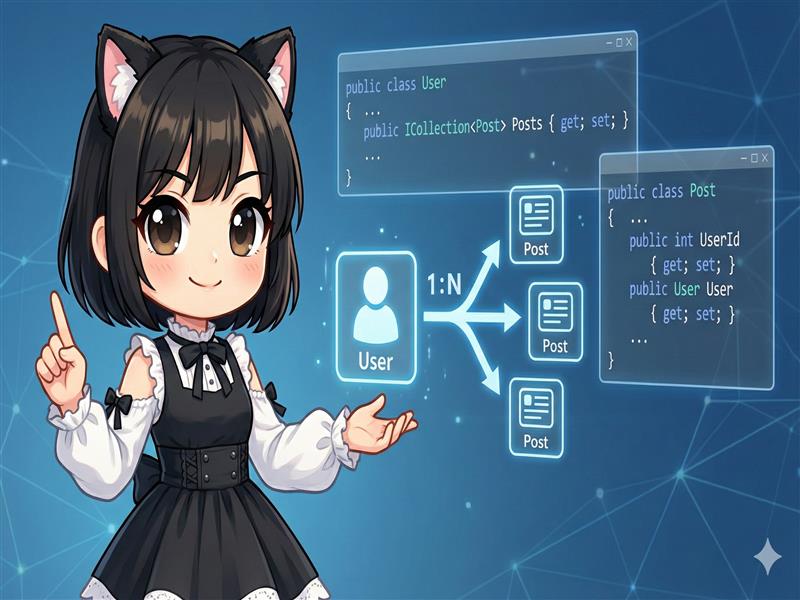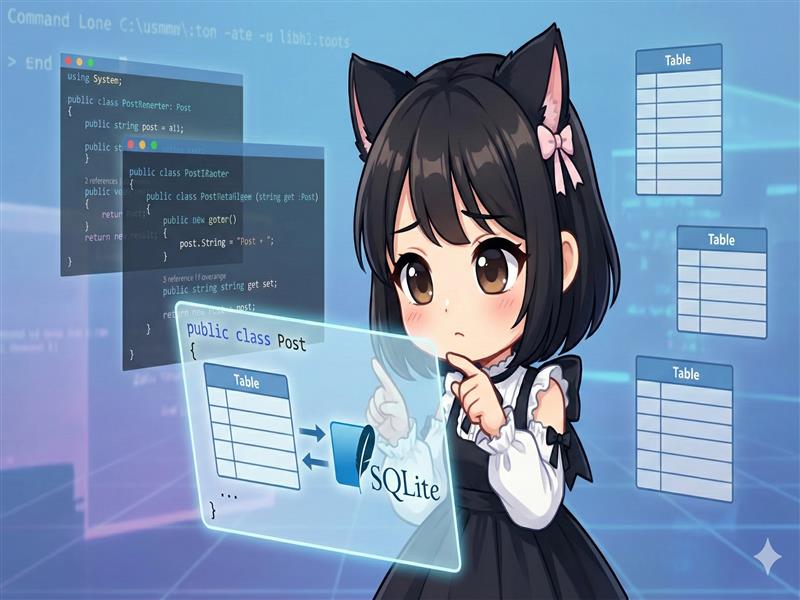
In Entity Framework Core (EF Core), you treat C# classes (POCOs) as database tables. These classes are called “Entities” or “Models.” This guide explains how to create a simple message model (Post), define a DbContext to manage it, and generate a SQLite database.
1. Defining the Model (Entity)
First, create a class that corresponds to a database table. Following EF Core naming conventions, property names are usually written in PascalCase. A property named Id or [ClassName]Id is automatically treated as a primary key.
Post.cs
using System;

public class Post
{
    // Primary key (Auto-increment)
    public int PostId { get; set; }

    // Message content
    public string Message { get; set; }

    // Sent date and time
    public DateTime SentTime { get; set; }
}
2. Defining the DbContext
Next, create a custom context class by inheriting from the DbContext class. This represents a session with the database. By defining a DbSet<T> property, that class becomes a table you can operate on.
ExampleDbContext.cs
using Microsoft.EntityFrameworkCore;

public class ExampleDbContext : DbContext
{
    // This property name (Posts) will be the table name
    public DbSet<Post> Posts { get; set; }

    // Database connection settings
    // Note: In production, connection strings are usually read from appsettings.json.
    // It is written directly here for simplicity.
    protected override void OnConfiguring(DbContextOptionsBuilder optionsBuilder)
    {
        // Settings to use SQLite
        optionsBuilder.UseSqlite("Data Source=example.db");
    }
}
3. Creating the Database (Migration)
Once the code is defined, use the EF Core tool (dotnet ef) to apply the class definitions to an actual database.
Creating the Migration File
First, create a “migration” which records the current state of the model. InitialCreate is an arbitrary name.
dotnet ef migrations add InitialCreate
Running this command creates a Migrations folder and automatically generates the code required to create the table.
Applying to the Database
Next, apply the created migration to generate the actual database file (example.db).
dotnet ef database update
A SQLite database containing a Posts table corresponding to the Post class is now created. You can now add or retrieve data using the ExampleDbContext.