In .NET Core applications, you can adjust which log levels are output by modifying the configuration file (appsettings.json) without changing your source code. This makes it easy to switch between environments, such as showing only errors in production while displaying all debug information in development.
Log Levels (LogLevel) List
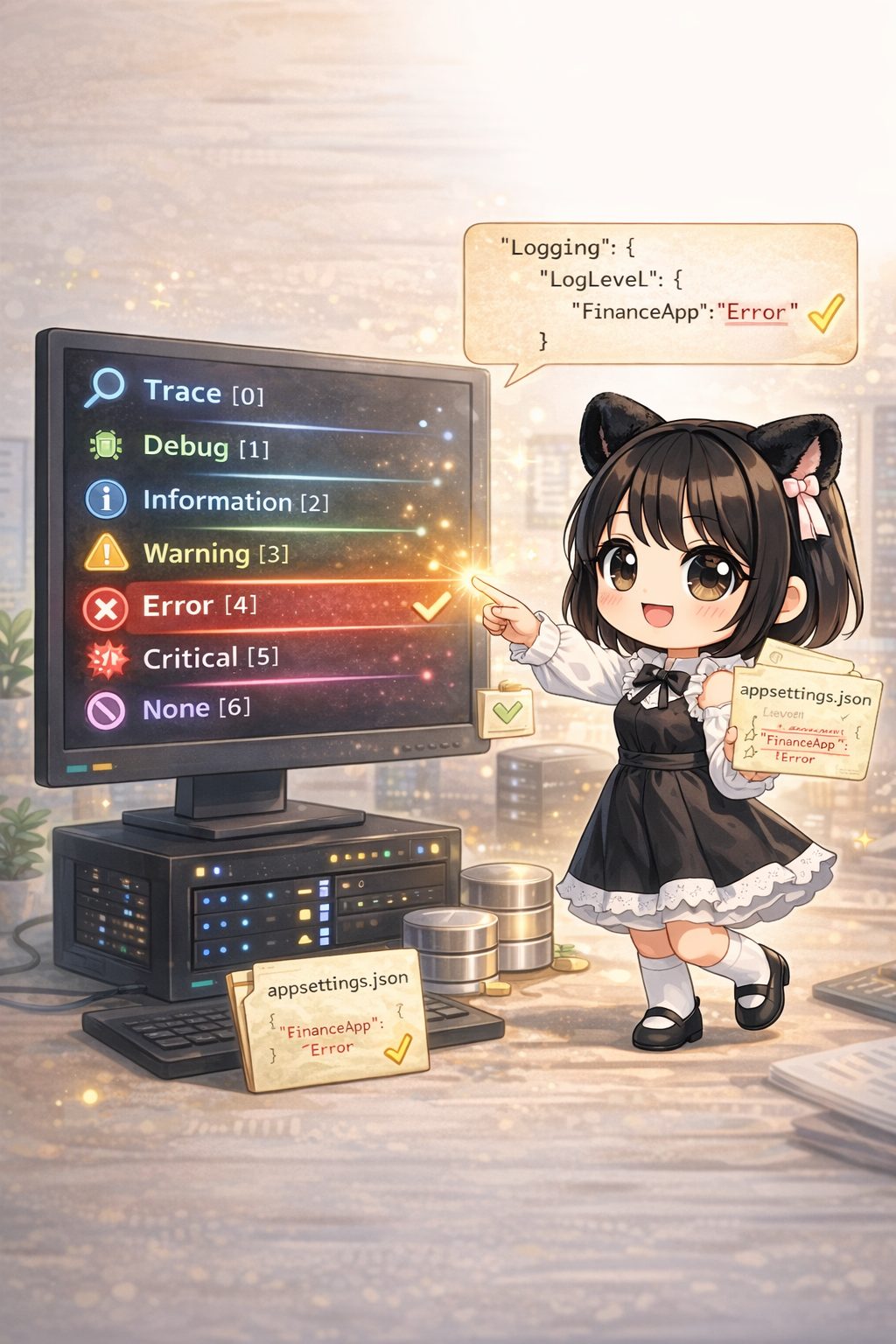
Log levels are defined in the Microsoft.Extensions.Logging.LogLevel enum. Smaller values provide more detail, while larger values indicate higher urgency. Logs for the specified level and higher will be output.
| Level | Value | Meaning |
| Trace | 0 | Most detailed information. May contain sensitive data or memory dumps. |
| Debug | 1 | Information for debugging during development, such as variable values. |
| Information | 2 | Normal application flow (e.g., startup, shutdown, receiving requests). |
| Warning | 3 | Events that are not errors but require attention (e.g., low disk space). |
| Error | 4 | Errors where the current process failed (e.g., exceptions). The app can still run. |
| Critical | 5 | Fatal errors leading to application crashes or system shutdowns. |
| None | 6 | No logs are output. |
Implementation Sample: Finance Data Update Service
In the following example, log settings for the namespace FinanceApp (our custom app) are restricted to Error and above. This means Trace and Information logs will be ignored, and only Error and Critical logs will be displayed.
1. appsettings.json (Configuration File)
{
  "Logging": {
    "LogLevel": {
      "Default": "Warning",
      "System": "Warning",
      "Microsoft": "Warning",
      "FinanceApp": "Error"
    }
  }
}
- Default: The default value for categories without specific settings.
- FinanceApp: The namespace of the app we are creating. Since this is set to
"Error", information and warning logs will not be output.
2. Program.cs (Host Configuration)
To load the settings from appsettings.json, AddConfiguration is required.
using System.Threading.Tasks;
using Microsoft.Extensions.Hosting;
using Microsoft.Extensions.Logging;
using Microsoft.Extensions.DependencyInjection;

namespace FinanceApp
{
    class Program
    {
        static async Task Main(string[] args) =>
            await CreateHostBuilder(args).Build().RunAsync();

        private static IHostBuilder CreateHostBuilder(string[] args) =>
            Host.CreateDefaultBuilder(args)
                .ConfigureLogging((context, logging) =>
                {
                    // 1. Clear default providers
                    logging.ClearProviders();

                    // 2. Apply the "Logging" section from appsettings.json (Important)
                    logging.AddConfiguration(context.Configuration.GetSection("Logging"));

                    // 3. Add Console output
                    logging.AddConsole();
                })
                .ConfigureServices((context, services) =>
                {
                    // Register the service
                    services.AddHostedService<StockUpdateService>();
                });
    }
}
3. StockUpdateService.cs (Logging Class)
using Microsoft.Extensions.Hosting;
using Microsoft.Extensions.Logging;
using System.Threading;
using System.Threading.Tasks;

namespace FinanceApp
{
    // A background service that updates stock price data
    public class StockUpdateService : BackgroundService
    {
        private readonly ILogger<StockUpdateService> _logger;

        public StockUpdateService(ILogger<StockUpdateService> logger)
        {
            _logger = logger;
        }

        protected override Task ExecuteAsync(CancellationToken stoppingToken)
        {
            // Since "FinanceApp" is set to "Error" in appsettings.json,
            // logs below Error will be filtered (ignored).

            _logger.LogTrace("Trace: Variable Dump = null");    // Will not be displayed
            _logger.LogDebug("Debug: Starting loop process");    // Will not be displayed
            _logger.LogInformation("Information: Starting stock data update"); // Will not be displayed
            _logger.LogWarning("Warning: Response time exceeded threshold"); // Will not be displayed

            // These will be displayed as they are at or above the Error level
            _logger.LogError("Error: Failed to connect to the database");
            _logger.LogCritical("Critical: Stopping the system");

            return Task.CompletedTask;
        }
    }
}
Execution Result
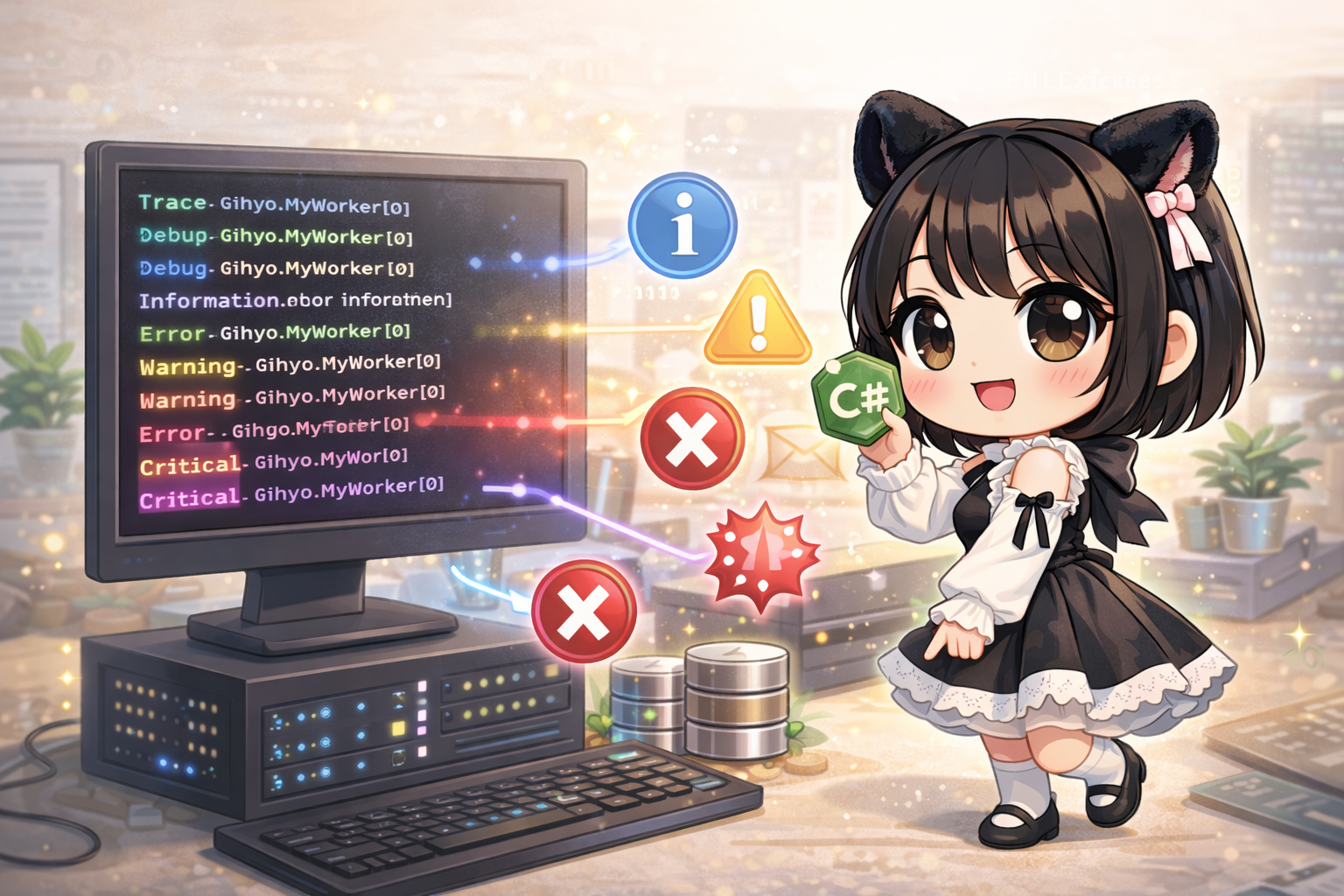
Only the Error and Critical logs are output to the console.
fail: FinanceApp.StockUpdateService[0]
      Error: Failed to connect to the database
crit: FinanceApp.StockUpdateService[0]
      Critical: Stopping the system
Explanation
- Control per Namespace: The keys in
appsettings.jsonrepresent namespaces (categories). For example, setting"System": "Warning"suppresses large amounts of internal .NET framework logs while allowing you to set your own app (FinanceApp) toDebugfor detailed tracking. - Notes on ClearProviders: Calling
logging.ClearProviders()removes the default binding toappsettings.json. Therefore, you must follow it withlogging.AddConfiguration(...)to ensure the configuration file is loaded again.