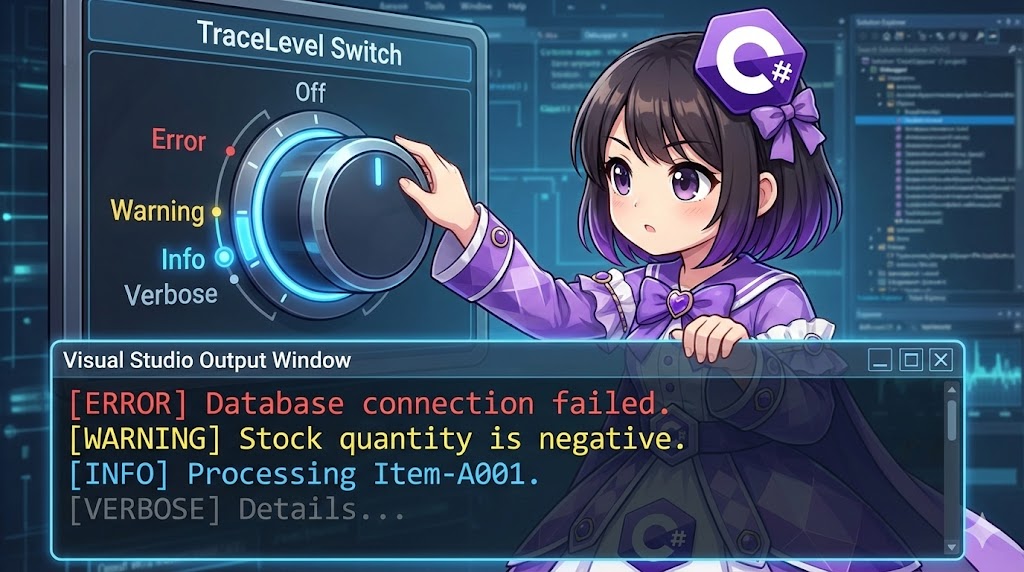
Overview
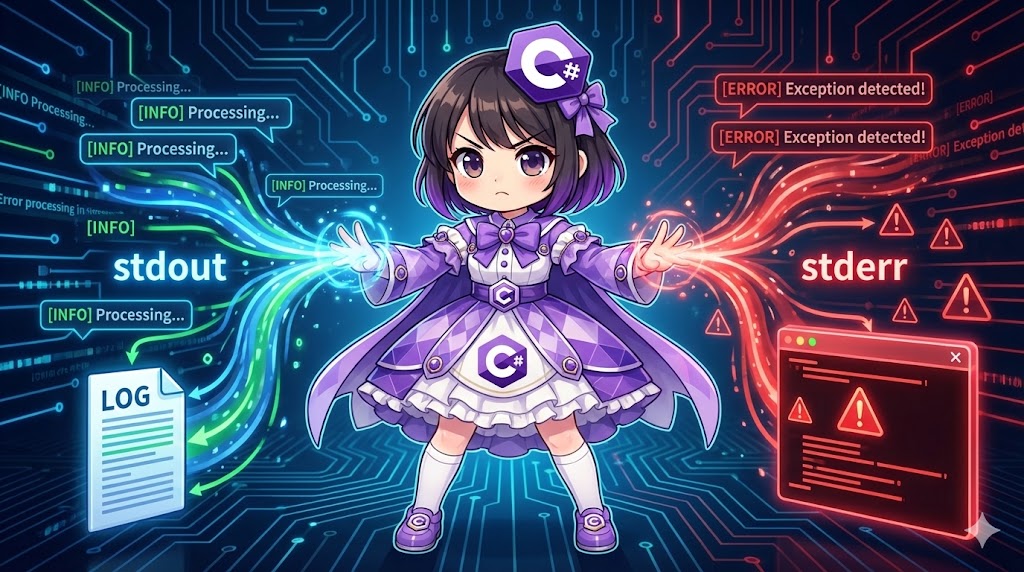
This implementation provides a debug log output feature to monitor variable states and process execution within Visual Studio. Rather than outputting all logs indiscriminately, this system uses TraceSwitch to dynamically control output levels—such as “Error only,” “Up to Warning,” or “All verbose information.” This allows for efficient filtering and confirmation of only the necessary information.
Specifications (Input/Output)
- Input: Log message (
string) and log level (TraceLevel). - Output: Text displayed in the Visual Studio “Output” window (Debug).
- Behavior:
- Automatically determines whether to output based on the set switch level (
Off,Error,Warning,Info,Verbose). - These debug codes are automatically removed in Release builds.
- Automatically determines whether to output based on the set switch level (
Basic Usage
Use the System.Diagnostics.Debug class. By using the WriteLineIf method, you can write the condition check and the output in a single line.
// The message is output only if the condition (1st argument) is true
bool isDebugMode = true;
Debug.WriteLineIf(isDebugMode, "Running in debug mode");
Full Code
The following is a console application for an “Inventory Management System” that controls and outputs process progress and issues by severity level.
using System;
using System.Diagnostics;

class Program
{
    // Define a switch to control log levels
    // displayName: "InventoryLog", description: "Log control for the inventory system"
    private static TraceSwitch _logSwitch = new TraceSwitch("InventoryLog", "Stock Management Log Switch");

    static void Main()
    {
        // 1. Set the log level
        // Logs with a severity "equal to or higher" than the level specified here will be output.
        // Example: If set to Info, Error, Warning, and Info will be output; Verbose will be ignored.
        _logSwitch.Level = TraceLevel.Info;

        Console.WriteLine($"Current Log Level: {_logSwitch.Level}");
        Console.WriteLine("--- Process Started ---");

        // Simulation of processing product data
        UpdateStock("Item-A001", 10);
        UpdateStock("Item-B999", -5); // Warning case
        UpdateStock("Item-Err", 0);   // Error case

        Console.WriteLine("--- Process Finished ---");
    }

    static void UpdateStock(string productId, int quantity)
    {
        // [Verbose] Detailed info: Minor values inside loops, etc. (Lowest priority)
        Debug.WriteLineIf(_logSwitch.TraceVerbose,
            $"[VERBOSE] Starting quantity check for {productId}: {quantity}");

        // [Info] Information: Recording normal events like start/end of processes
        Debug.WriteLineIf(_logSwitch.TraceInfo,
            $"[INFO] Executing update for {productId}.");

        if (quantity < 0)
        {
            // [Warning] Warning: Suspicious but allowed to continue
            Debug.WriteLineIf(_logSwitch.TraceWarning,
                $"[WARNING] {productId} has a negative quantity ({quantity}). Correction may be needed.");
        }

        if (productId == "Item-Err")
        {
            // [Error] Error: Process interruption or failure
            Debug.WriteLineIf(_logSwitch.TraceError,
                $"[ERROR] {productId} does not exist in the database. Skipping process.");
            return;
        }

        // Detailed log upon normal completion
        Debug.WriteLineIf(_logSwitch.TraceVerbose,
            $"[VERBOSE] Update for {productId} completed successfully.");
    }
}
Output Example in Visual Studio Output Window
[INFO] Executing update for Item-A001.
[INFO] Executing update for Item-B999.
[WARNING] Item-B999 has a negative quantity (-5). Correction may be needed.
[INFO] Executing update for Item-Err.
[ERROR] Item-Err does not exist in the database. Skipping process.
Note: Because the level is set to TraceLevel.Info, [VERBOSE] logs are not output.
Customization Points
- Control via Configuration Files: By describing the switch settings in the
app.configfile, you can change log levels (e.g., changing toVerboseduring production troubleshooting) without recompiling the program. - Using Categories: By using
Debug.WriteLine(message, category), you can classify outputs as[SQL] ...or[UI] ..., making filtering in the output window easier.
Points of Caution
- Difference Between Debug and Trace: Methods in the
Debugclass are compiled only in theDebugbuild configuration by default. If you need to keep logs in the Release environment, use theSystem.Diagnostics.Traceclass instead. - Registering Listeners: To output logs to destinations other than Visual Studio (such as text files or the console), you must add a listener using
Debug.Listeners.Add(new TextWriterTraceListener(...)). - Performance Impact: Since the
WriteLineIfmethod call remains in the code, the string arguments (like string interpolation with$) are still evaluated. For extremely heavy string processing, wrap the logic in anif (_logSwitch.TraceVerbose)block for safety.
Application
TraceLevel Fields and Meanings
This table shows the values set in TraceSwitch.Level and the corresponding properties (output conditions) that become active.
| Field | Value | Meaning | Active Properties |
| Off | 0 | No output | None |
| Error | 1 | Errors only | TraceError |
| Warning | 2 | Errors and Warnings | TraceError, TraceWarning |
| Info | 3 | Errors, Warnings, and Info | TraceError, TraceWarning, TraceInfo |
| Verbose | 4 | All detailed info | TraceError, TraceWarning, TraceInfo, TraceVerbose |
Summary
By introducing TraceSwitch, you establish a robust debugging environment where the granularity of logs can be flexibly adjusted according to the development phase or specific troubleshooting needs. Rather than listing WriteLine statements haphazardly, implementing severity levels allows you to immediately find the truly necessary information within vast amounts of log data. Leveraging the fact that these are automatically disabled in release builds, it is effective to set the system to output maximum detail during development.