Overview
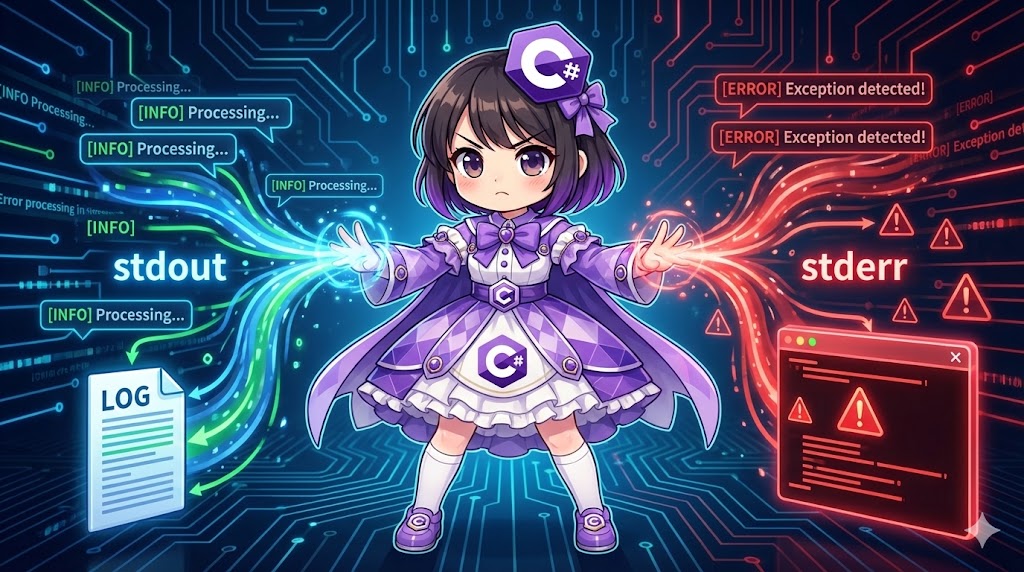
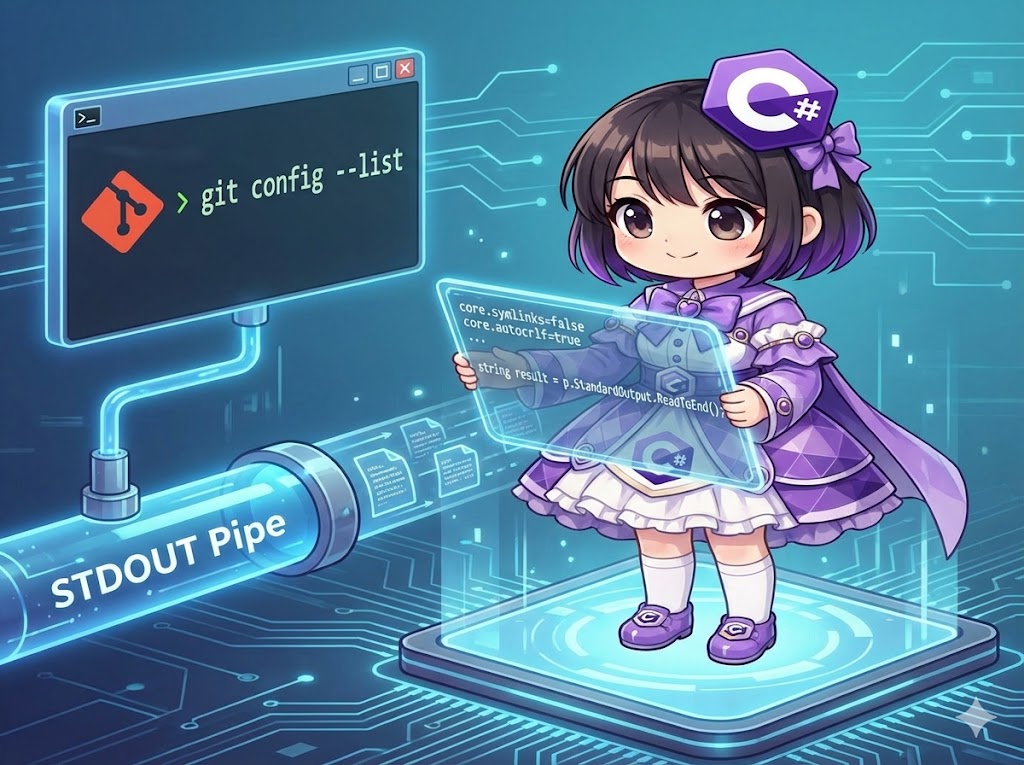
This article explains how to capture the results (standard output) displayed on the console from external applications or commands (such as Git, Python, or the Command Prompt) into a C# string variable. By enabling the RedirectStandardOutput property in ProcessStartInfo, you can read the output stream via a pipe.
Specifications (Input/Output)
- Input: The command name and arguments to be executed.
- Output: The command execution result text (
string). - Required Settings:
UseShellExecutemust be set tofalse.RedirectStandardOutputmust be set totrue.
Basic Usage
Configure the Process settings and read the entire output using StandardOutput.ReadToEnd() after starting the process.
var psi = new ProcessStartInfo
{
    FileName = "git",
    Arguments = "--version",
    UseShellExecute = false,        // Required: Do not use shell execution
    RedirectStandardOutput = true,  // Required: Redirect output
    CreateNoWindow = true           // Do not show the black console window
};

using (var p = Process.Start(psi))
{
    // Read the output until the end
    string result = p.StandardOutput.ReadToEnd();
    p.WaitForExit();

    Console.WriteLine(result);
}
Full Code
The following console application executes a Git command (git config --list) to retrieve configuration settings and displays the first eight lines.
using System;
using System.Diagnostics;
using System.Text;
using System.Linq;

class Program
{
    static void Main()
    {
        // 1. Set up process startup information
        var psi = new ProcessStartInfo();
        psi.FileName = "git";               // Command to execute
        psi.Arguments = "config --list";    // Arguments

        // [Important] Required settings for capturing standard output
        psi.UseShellExecute = false;
        psi.RedirectStandardOutput = true;

        // Specify encoding to prevent corrupted text
        // (Git for Windows typically outputs UTF-8)
        psi.StandardOutputEncoding = Encoding.UTF8;

        try
        {
            Console.WriteLine("--- Starting Retrieval of Git Settings ---");

            // 2. Start the process
            using (var p = Process.Start(psi))
            {
                if (p == null) return;

                // 3. Read the standard output
                // ReadToEnd() waits until the process closes the stream to read everything
                // Note: Asynchronous reading is recommended for very large outputs
                string output = p.StandardOutput.ReadToEnd();

                // Wait for the process to exit
                p.WaitForExit();

                // 4. Process and display results
                // Split the string into an array by line breaks
                string[] lines = output.Split(new[] { '\r', '\n' }, StringSplitOptions.RemoveEmptyEntries);

                Console.WriteLine($"Lines retrieved: {lines.Length}");
                Console.WriteLine("--- Displaying the first 8 lines ---");

                // Use LINQ to take and display the top 8 lines
                foreach (var line in lines.Take(8))
                {
                    Console.WriteLine(line);
                }
            }
        }
        catch (System.ComponentModel.Win32Exception)
        {
            Console.WriteLine("Error: Git command not found. Please check if it is installed.");
        }
        catch (Exception ex)
        {
            Console.WriteLine($"Error: {ex.Message}");
        }
    }
}
Execution Result Example
--- Starting Retrieval of Git Settings ---
Lines retrieved: 25
--- Displaying the first 8 lines ---
core.symlinks=false
core.autocrlf=true
core.fscache=true
color.diff=auto
color.status=auto
color.branch=auto
color.interactive=true
help.format=html
Customization Points
- Character Encoding: If
psi.StandardOutputEncodingis not set, the OS default (such as Shift_JIS) will be used, which may cause Japanese or special characters to appear as corrupted text. SpecifyEncoding.UTF8orEncoding.GetEncoding("Shift_JIS")according to the command’s output. - Standard Error Retrieval: To capture error messages as well, set
RedirectStandardError = trueand read fromp.StandardError.ReadToEnd().
Points of Caution
- Risk of Deadlocks: If you attempt to read both standard output and standard error synchronously using
ReadToEnd(), the buffer may fill up, causing the process to hang in a deadlock. If reading both, use asynchronous patterns (e.g.,BeginOutputReadLine). - UseShellExecute Constraints: When
RedirectStandardOutputis enabled,UseShellExecutemust befalse. This prevents execution via file associations (e.g., opening a.txtfile by just specifying its name); you must specify the path to the executable directly.
Application
Real-time Reading via Asynchronous Events
This method allows you to retrieve and display the output of a long-running command line by line in real-time without waiting for it to finish.
var psi = new ProcessStartInfo("ping", "127.0.0.1 -n 5")
{
    UseShellExecute = false,
    RedirectStandardOutput = true
};

using (var p = new Process { StartInfo = psi })
{
    // Event handler for data reception
    p.OutputDataReceived += (sender, e) =>
    {
        if (e.Data != null)
        {
            Console.WriteLine($"Received: {e.Data}");
        }
    };

    p.Start();
    p.BeginOutputReadLine(); // Start asynchronous reading
    p.WaitForExit();
}
Summary
By using the StandardOutput property, you can capture command-line results for log analysis or data integration within your application. Always remember to disable UseShellExecute and set the correct encoding to avoid text issues. For large outputs or simultaneous error capture, asynchronous reading is the best practice to avoid deadlocks.