Overview
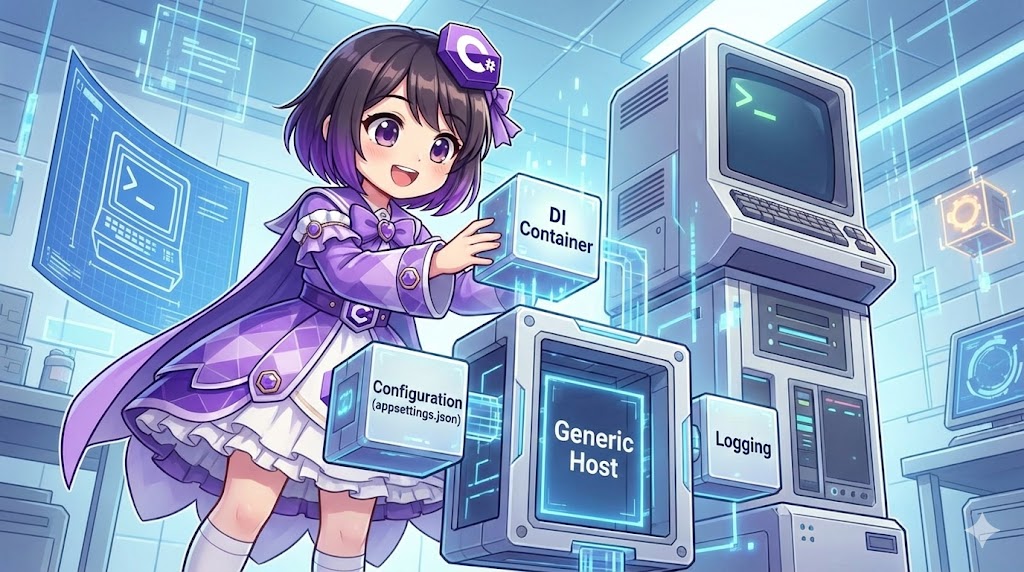
The “Generic Host” (Microsoft.Extensions.Hosting) is a framework that manages app startup and lifetime. While initially popularized by ASP.NET Core, it is highly effective for console applications and background services. It integrates Dependency Injection (DI), logging, and configuration (appsettings.json) into a single, unified pipeline. This architecture promotes loose coupling and high testability.
Specifications
- Input: Command-line arguments,
appsettings.json, and environment variables. - Output: Business logic execution with integrated logging and structured dependency management.
- Workflow:
- Initialization of the HostBuilder and DI container.
- Activation of the
IHostedService. - Execution of business logic.
- Explicit application shutdown via
IHostApplicationLifetime.
Basic Usage
The primary requirement is the Microsoft.Extensions.Hosting NuGet package. The host is configured in the entry point using Host.CreateDefaultBuilder.
dotnet add package Microsoft.Extensions.Hosting
using Microsoft.Extensions.Hosting;

// Minimal setup
await Host.CreateDefaultBuilder(args)
    .ConfigureServices((context, services) => {
        // Register services here
    })
    .Build()
    .RunAsync();
Full Code
The following implementation demonstrates a modular structure where concerns are separated into entry point management, service registration, lifecycle control, and business logic.
1. Program.cs (Entry Point)
This class handles the construction of the host and initiates the asynchronous execution loop.
using System.Threading.Tasks;
using Microsoft.Extensions.Hosting;

namespace BatchApplication
{
    class Program
    {
        static async Task Main(string[] args)
        {
            // Build and run the host. RunConsoleAsync handles SIGINT (Ctrl+C).
            await CreateHostBuilder(args).Build().RunAsync();
        }

        public static IHostBuilder CreateHostBuilder(string[] args) =>
            Host.CreateDefaultBuilder(args)
                .ConfigureServices((hostContext, services) =>
                {
                    // Delegate service registration to the Startup class
                    new Startup(hostContext.Configuration).ConfigureServices(services);
                });
    }
}
2. Startup.cs (DI Configuration)
This class centralizes the registration of application dependencies.
using Microsoft.Extensions.Configuration;
using Microsoft.Extensions.DependencyInjection;

namespace BatchApplication
{
    public class Startup
    {
        public IConfiguration Configuration { get; }

        public Startup(IConfiguration configuration)
        {
            Configuration = configuration;
        }

        public void ConfigureServices(IServiceCollection services)
        {
            // Register business logic
            services.AddTransient<IBatchProcessor, SampleBatchProcessor>();

            // Register the entry point service for the host lifecycle
            services.AddHostedService<BatchExecutorService>();
        }
    }
}
3. BatchExecutorService.cs (Lifecycle Management)
This class implements IHostedService to orchestrate the start and stop operations of the console application.
using System.Threading;
using System.Threading.Tasks;
using Microsoft.Extensions.Hosting;
using Microsoft.Extensions.Logging;

namespace BatchApplication
{
    public class BatchExecutorService : IHostedService
    {
        private readonly IHostApplicationLifetime _appLifetime;
        private readonly IBatchProcessor _processor;
        private readonly ILogger<BatchExecutorService> _logger;

        public BatchExecutorService(
            IHostApplicationLifetime appLifetime,
            IBatchProcessor processor,
            ILogger<BatchExecutorService> logger)
        {
            _appLifetime = appLifetime;
            _processor = processor;
            _logger = logger;
        }

        public async Task StartAsync(CancellationToken cancellationToken)
        {
            _logger.LogInformation("Starting batch process...");

            try
            {
                await _processor.ExecuteAsync();
            }
            finally
            {
                // Explicitly stop the application once the task is complete
                _appLifetime.StopApplication();
            }
        }

        public Task StopAsync(CancellationToken cancellationToken)
        {
            _logger.LogInformation("Batch process completed.");
            return Task.CompletedTask;
        }
    }
}
4. SampleBatchProcessor.cs (Business Logic)
This class contains the actual functional logic of the application, decoupled from the host infrastructure.
using System;
using System.Threading.Tasks;
using Microsoft.Extensions.Logging;

namespace BatchApplication
{
    public interface IBatchProcessor
    {
        Task ExecuteAsync();
    }

    public class SampleBatchProcessor : IBatchProcessor
    {
        private readonly ILogger<SampleBatchProcessor> _logger;

        public SampleBatchProcessor(ILogger<SampleBatchProcessor> logger)
        {
            _logger = logger;
        }

        public Task ExecuteAsync()
        {
            _logger.LogInformation("Executing main business logic...");

            // Logic implementation
            Console.WriteLine("Transforming data...");

            return Task.CompletedTask;
        }
    }
}
Customization Points
Configuration Sources
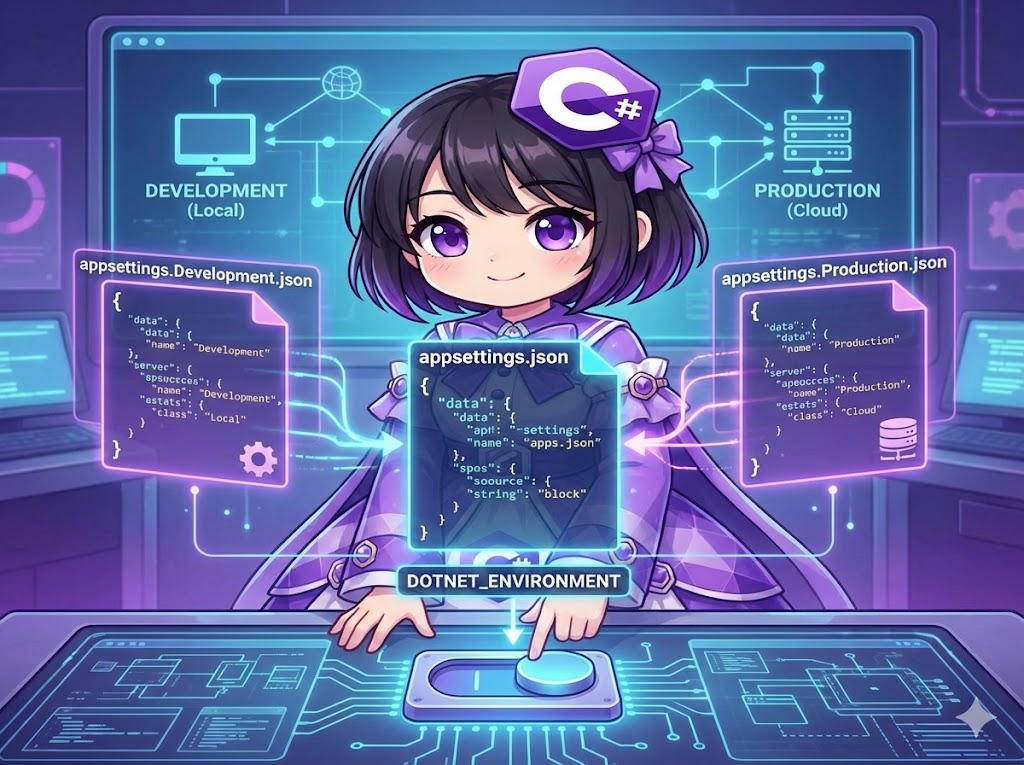
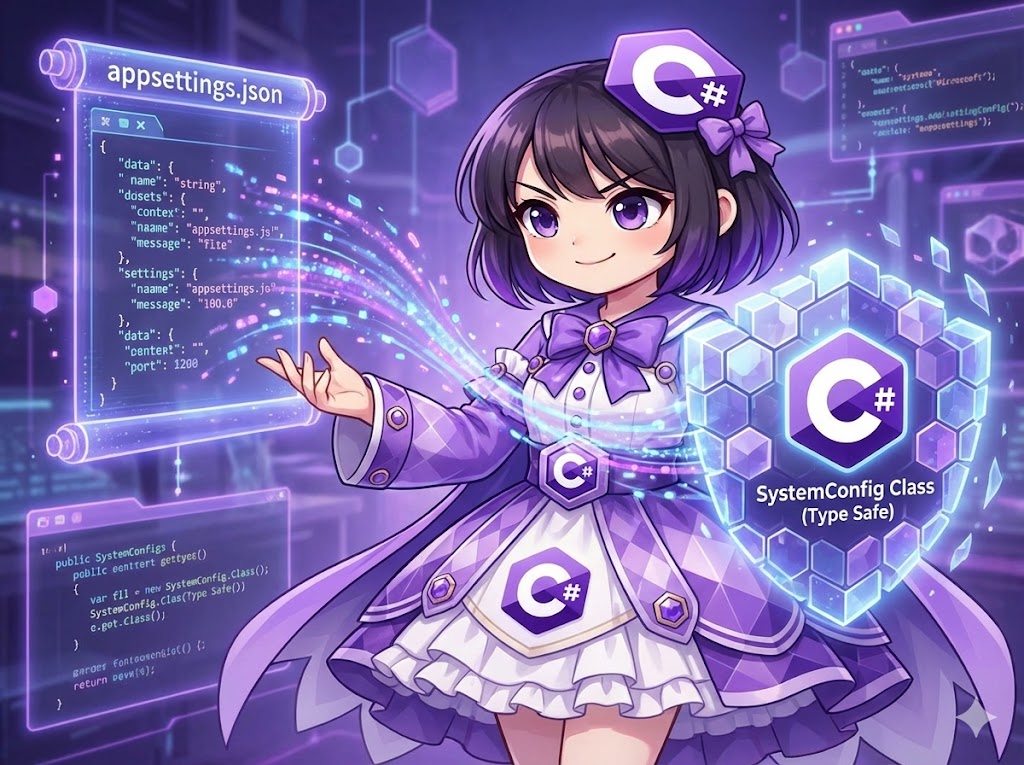
Host.CreateDefaultBuilder automatically loads configuration from appsettings.json, appsettings.{Environment}.json, and environment variables. You can inject IConfiguration into any service to access these values.
Logging Providers
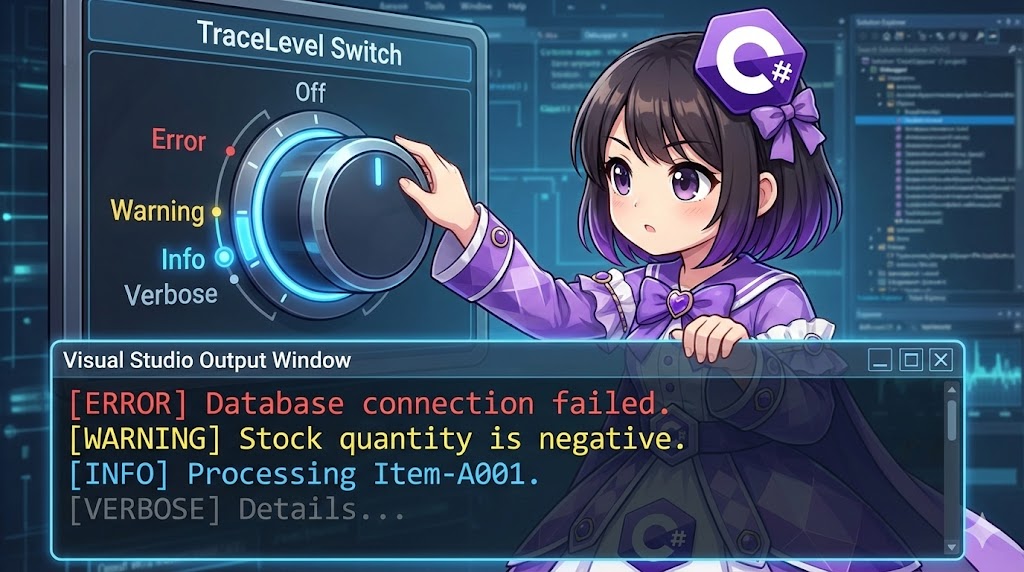
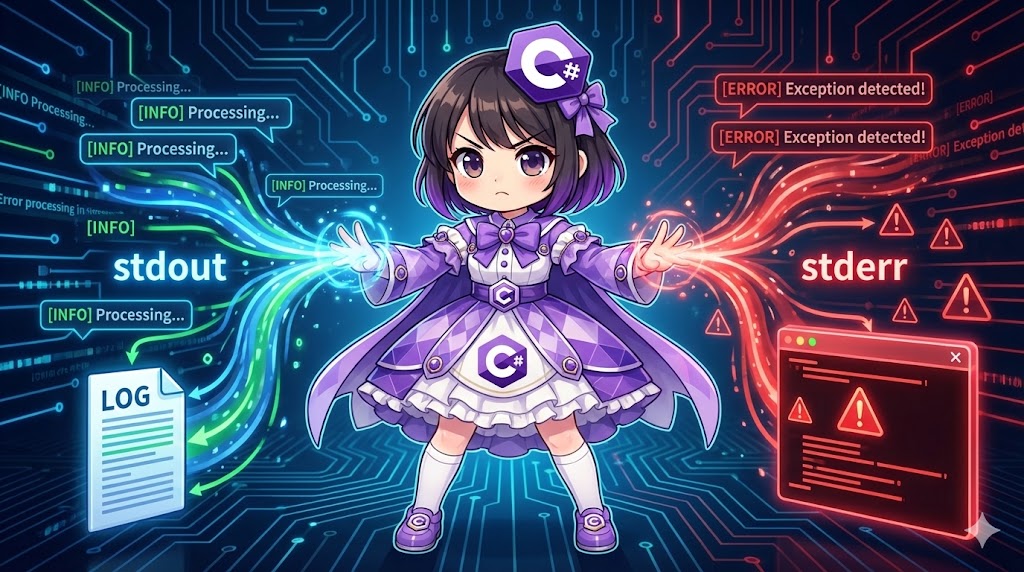
By default, console logging is enabled. To output logs to files or external sinks, integrate libraries such as Serilog or NLog within the ConfigureLogging block of the IHostBuilder.
Points of Caution
Application Termination
Unlike traditional console apps, a Generic Host process does not exit automatically when the logic finishes. You must call IHostApplicationLifetime.StopApplication() to signal a graceful shutdown.
Async/Await Discipline
The Generic Host operates on an asynchronous pipeline. Avoid using blocking calls like .Wait() or .Result, as these can lead to deadlocks within the managed thread pool. Always use await for I/O and task-based operations.
Application
Using Environment Variables
You can toggle configurations by setting the DOTNET_ENVIRONMENT variable to values like Development or Production. The host uses this to select the appropriate appsettings file.
# Example: Setting environment in PowerShell
$env:DOTNET_ENVIRONMENT = "Development"
dotnet run
Summary
Implementing a Generic Host transforms a simple console script into a professional-grade application. It enforces a clear separation between bootstrap logic, configuration, and business functionality. This structure not only improves readability but also simplifies the introduction of unit tests and long-term maintenance by leveraging a standardized .NET architecture.