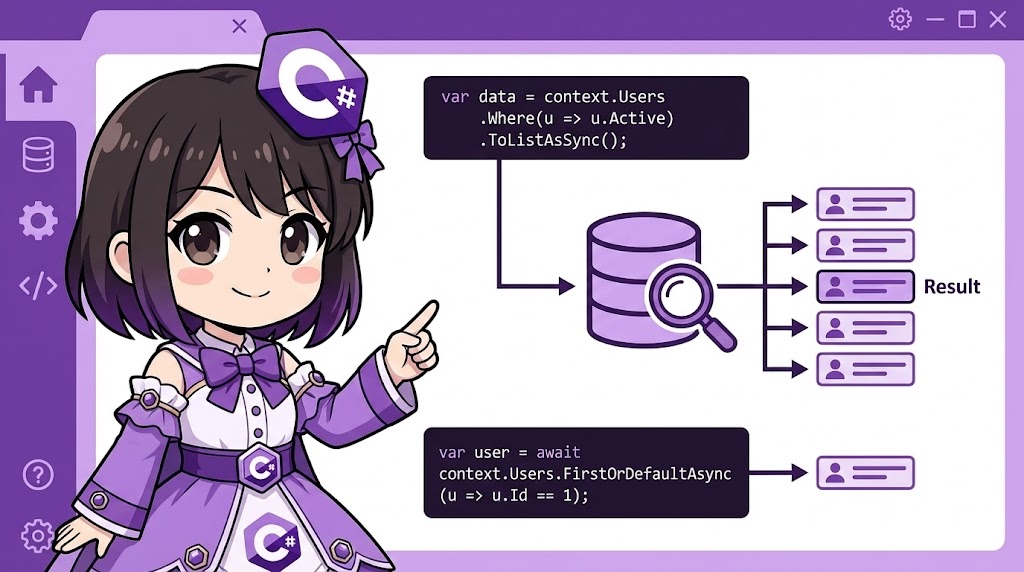
Overview
This is the basic implementation pattern for modifying and committing changes to existing records in a database using Entity Framework Core (EF Core). By leveraging the “Change Tracking” feature, you only need to update the properties of an object and call SaveChangesAsync. EF Core will automatically generate and execute the appropriate UPDATE SQL statement.
Specifications (Input/Output)
- Input: Specific search criteria (e.g., product name) and the new values to be applied.
- Output: The result of the update process (displaying values before and after the update in the console).
- Prerequisites: .NET 6.0 or higher,
Microsoft.EntityFrameworkCore.InMemory(for testing purposes).
Basic Usage
- Retrieve the data (this puts the entity into a “Tracked” state).
- Modify the properties.
- Call
SaveChangesAsyncto apply the changes to the database.
// 1. Retrieve the entity (using FirstAsync or similar)
var product = await context.Products
    .FirstAsync(p => p.Name == "Old Product");

// 2. Modify properties (simply change the values)
product.Price = 1200;
product.LastUpdated = DateTime.Now;

// 3. Save changes (an UPDATE statement is generated only for the changed fields)
await context.SaveChangesAsync();
Full Code Example
The following scenario demonstrates a price revision for a product. This code uses an in-memory database so you can run it immediately for testing.
You will need the Microsoft.EntityFrameworkCore.InMemory package: dotnet add package Microsoft.EntityFrameworkCore.InMemory
using System;
using System.Threading.Tasks;
using Microsoft.EntityFrameworkCore;

public class Program
{
    public static async Task Main()
    {
        var options = new DbContextOptionsBuilder<ShopDbContext>()
            .UseInMemoryDatabase("ShopDb")
            .Options;

        // --- 1. Prepare Initial Data ---
        using (var context = new ShopDbContext(options))
        {
            if (!await context.Products.AnyAsync())
            {
                context.Products.Add(new Product
                {
                    Name = "Standard Plan",
                    Price = 1000,
                    LastUpdated = DateTime.Now.AddDays(-10)
                });
                await context.SaveChangesAsync();
            }
        }

        // --- 2. Update Data Process ---
        using (var context = new ShopDbContext(options))
        {
            var worker = new ProductManager(context);
            // Change the price of "Standard Plan" to 1500
            await worker.UpdateProductPriceAsync("Standard Plan", 1500);
        }

        // --- 3. Verify the Result ---
        using (var context = new ShopDbContext(options))
        {
            var product = await context.Products.FirstAsync(p => p.Name == "Standard Plan");
            Console.WriteLine($"[Verify] Name: {product.Name}");
            Console.WriteLine($"         Price: {product.Price}");
            Console.WriteLine($"         Last Updated: {product.LastUpdated}");
        }
    }
}

// Business Logic Class
public class ProductManager
{
    private readonly ShopDbContext _context;

    public ProductManager(ShopDbContext context)
    {
        _context = context;
    }

    public async Task UpdateProductPriceAsync(string productName, decimal newPrice)
    {
        // Retrieve data (Change Tracking is enabled by default)
        var product = await _context.Products
            .FirstOrDefaultAsync(p => p.Name == productName);

        if (product == null)
        {
            Console.WriteLine($"Error: Product '{productName}' was not found.");
            return;
        }

        Console.WriteLine($"[Before Update] {product.Name}: {product.Price} JPY ({product.LastUpdated})");

        // Modify properties
        product.Price = newPrice;
        product.LastUpdated = DateTime.Now;

        // Apply changes to the database
        // Only modified properties are included in the UPDATE statement
        int affectedRows = await _context.SaveChangesAsync();

        Console.WriteLine($"[Update Complete] {affectedRows} record(s) saved.");
    }
}

// Entity Definition
public class Product
{
    public int Id { get; set; }
    public string Name { get; set; } = string.Empty;
    public decimal Price { get; set; }
    public DateTime LastUpdated { get; set; }
}

// DbContext Definition
public class ShopDbContext : DbContext
{
    public ShopDbContext(DbContextOptions<ShopDbContext> options)
        : base(options) { }

    public DbSet<Product> Products => Set<Product>();
}
Example Output
[Before Update] Standard Plan: 1000 JPY (2025/01/05 10:00:00)
[Update Complete] 1 record(s) saved.
[Verify] Name: Standard Plan
         Price: 1500
         Last Updated: 2025/01/15 10:00:00
Customization Points
Automatic Timestamps
Instead of manually setting the update date in your logic, it is common to override SaveChanges in your DbContext. This allows you to automatically set LastUpdated to the current time for all modified entities.
Partial Updates
EF Core is optimized to include only the changed columns in the UPDATE statement. This means you do not need to write special code for partial updates; the standard pattern handles it efficiently.
Using Attach
If you want to update an object received from a Web API (an object not currently being tracked by the database context), use context.Products.Attach(product) and set the state to EntityState.Modified.
Important Notes
- Missing Records:
FirstOrDefaultAsyncreturnsnullif no match is found. Always perform a null check before accessing properties to avoid aNullReferenceException. - Calling SaveChanges: Changing a property on an object does not update the database immediately. You must call
SaveChangesAsyncto commit the changes. - Concurrency Control: There is a risk that another user might change the data between the time you retrieve it and the time you save it. For strict control, use a
[Timestamp]attribute (row versioning) and handleDbUpdateConcurrencyException.
Advanced Application
In EF Core 7.0 and later, you can use ExecuteUpdateAsync to perform bulk updates directly on the database without loading the data into memory. This is extremely fast for large datasets.
// Directly update all rows matching the criteria without a SELECT query
await context.Products
    .Where(p => p.Price < 1000)
    .ExecuteUpdateAsync(s => s
        .SetProperty(p => p.Price, p => p.Price * 1.1m) // 10% price increase
        .SetProperty(p => p.LastUpdated, DateTime.Now));
Conclusion
EF Core’s Change Tracking ensures that only the differences are efficiently translated into SQL.
For bulk updates where performance is the priority, consider using ExecuteUpdateAsync available in EF Core 7 and later.
The standard implementation follows three steps: Retrieve -> Modify -> SaveChangesAsync.