-

[PowerPoint] How to Execute Macros from the Ribbon Using Custom UI Editor
Background When creating tools with PowerPoint VBA, placing buttons directly on slides can look unpolished. Adding a custom tab to the Ribbon (header area) provides a seamless, application-like experience. This article summarizes how to ... -
[Excel VBA] How to Convert Numbers to Zero-Padded Strings (Left/Right Padding)
Overview In Excel, you often encounter situations where you need to align numbers to a fixed number of digits by adding zeros, such as converting "45" to "00045" or "45000". This is useful for various tasks like invoice numbers, IDs, cod... -
[Excel VBA for Beginners] How to Get Cell Serial Values | Understanding the Difference Between Value and Value2
Introduction In Excel, dates and times appear in formats like "2025/7/20," but internally, they are managed as "Serial Values" (continuous numbers). Retrieving this "Serial Value" via VBA allows for accurate and efficient date comparison... -
[Excel VBA] How to Manage Option Buttons with Group Boxes and Determine Selected Items
Introduction When using Option Buttons (Radio Buttons) on an Excel sheet for multiple questions—such as "Q1. Select a Plan" and "Q2. Select Payment Method"—you encounter a common problem: by default, all option buttons on a sheet belong ... -
[Excel VBA] How to Paste a Cell Range as a “Linked Picture” That Automatically Updates
When creating dashboards or reports in Excel, you often have a sophisticated need: "I want to paste a table or chart from another sheet so it looks good, but I also want the pasted content to automatically update if the source data chang... -
[Excel VBA] How to Jump to Another Cell and Return to the Original Cell (Application.GoTo)
When performing cell searches or navigation in VBA, you often encounter situations where you want to "move to another sheet or cell temporarily to do a task, and then return to the original location when finished." For example, you might... -
[Excel VBA] How to Append Data to an Existing Text File (Append Mode)
When creating files in VBA, instead of overwriting the file as a new one every time, you often want to "continually add new data to an existing file." Typical examples include operation logs and data collection records. In this article, ... -
[Excel VBA] How to Export a Sheet as a PDF File
When sharing Excel materials with others or saving them as official records, it is common to convert them to PDF format. This ensures the layout remains intact and allows anyone to open the file. While you can convert files to PDF manual... -
[VBA] How to Randomly Select a Cell and Input a Value
Background While developing a tool in VBA, I encountered a situation where I needed to "randomly select one cell from a list and input a value into it." I realized this could be applied to creating seating charts or random assignment tas... -
[Excel VBA] Mastering ListBoxes on Sheets! A Thorough Explanation of Major Properties
Introduction The "Form Control" ListBox, which can be placed directly on an Excel sheet, is a powerful tool for presenting options to users. To manipulate this ListBox freely with VBA, understanding its main properties is essential. In t... -
[Word VBA] How to Automatically Insert Today’s Date on the Second Line | Right-Aligned “Update Date”
When creating documents in Word, do you ever find it tedious to manually type the date, such as "Update Date," every time? In this article, I will introduce a method using Word VBA to automatically insert today's date in the format "Upda... -
[Excel VBA] How to Create and Control a New Window for the Same Workbook (NewWindow)
Excel's "New Window" feature is incredibly useful when you want to input data on one sheet while viewing summary results on another sheet in real-time. It allows you to display the same workbook in two windows simultaneously, showing dif... -
[VBA] How to Use Class_Initialize (Constructor) to Set Default Values
Introduction When creating custom objects using VBA Class Modules, you often want to set default property values or run setup code the moment the object is created (instantiated). For example, when a "Product" object is created, you migh... -
[Excel VBA] How to Set Formatting for Selected Shapes
In VBA, we typically manipulate shapes by specifying their names, like Shapes("Name"). However, there are many cases where you want to apply changes to "the shape I am currently selecting" without fixing the target in advance. Knowing ho... -
[Excel VBA] How to Check Which Cells Shapes or Charts Are On | Using TopLeftCell and BottomRightCell
In Excel, you can freely place charts and shapes, but there are times when you need to know exactly which cells they are positioned over. For example, this is useful when automating reports, controlling shape positions, or checking the r... -
[Excel VBA] How to Create a Dashboard That Displays Graphs on Button Click
When summarizing information visually in Excel, it is very convenient to have a "dashboard where charts appear when a button is pressed." In this article, I will introduce a method using VBA to copy charts from another sheet and display ... -
[Excel VBA] How to Export Excel Data to a Word Document and Paste It as a Table
There is a very common need to output data managed in Excel into a well-formatted Word document that combines both text and tables. Using VBA, you can automate more than just exporting simple text; you can also perform advanced operation... -
[Excel VBA] Speed Up Macros by Switching Calculation to Manual (Application.Calculation)
Along with Application.ScreenUpdating = False, temporarily switching the calculation method to manual is one of the two most important techniques for speeding up VBA macros. If you use VBA to write values into a sheet containing many for... -
[VBA] How to Automatically Generate and Edit VBA Code (CodeModule Object)
Introduction Using the VBProject object in VBA allows you to export and import modules. However, going a step further, you can read and write the code inside a module line by line using a macro. This is achieved using the CodeModule obje... -
[Excel VBA] Macro to Automatically Print a Specific Sheet (Printing Sheet1)
Background I often encounter situations where I need to print specific Excel files regularly. Thinking, "It would be convenient to print with a single click without opening the print settings every time," I wrote a VBA macro to automatic... -
[Excel VBA] How to Get the Count of Filtered Rows Using the Subtotal Function
Overview If you want to instantly get the number of records filtered by AutoFilter, calling WorksheetFunction.Subtotal from VBA is the easiest method. By using the Subtotal function with function number 3 (COUNTA), you can automatically ... -
[Excel VBA] How to Check Workbook Status (Read-Only and Compatibility Mode)
When running VBA macros, the state in which an Excel workbook is opened can significantly affect your code. You may need to change the process or prevent errors depending on the file's status. Two critical questions to ask are: "Is this ... -
[Excel VBA] How to Prevent Actions When a Cell Value Exceeds a Limit
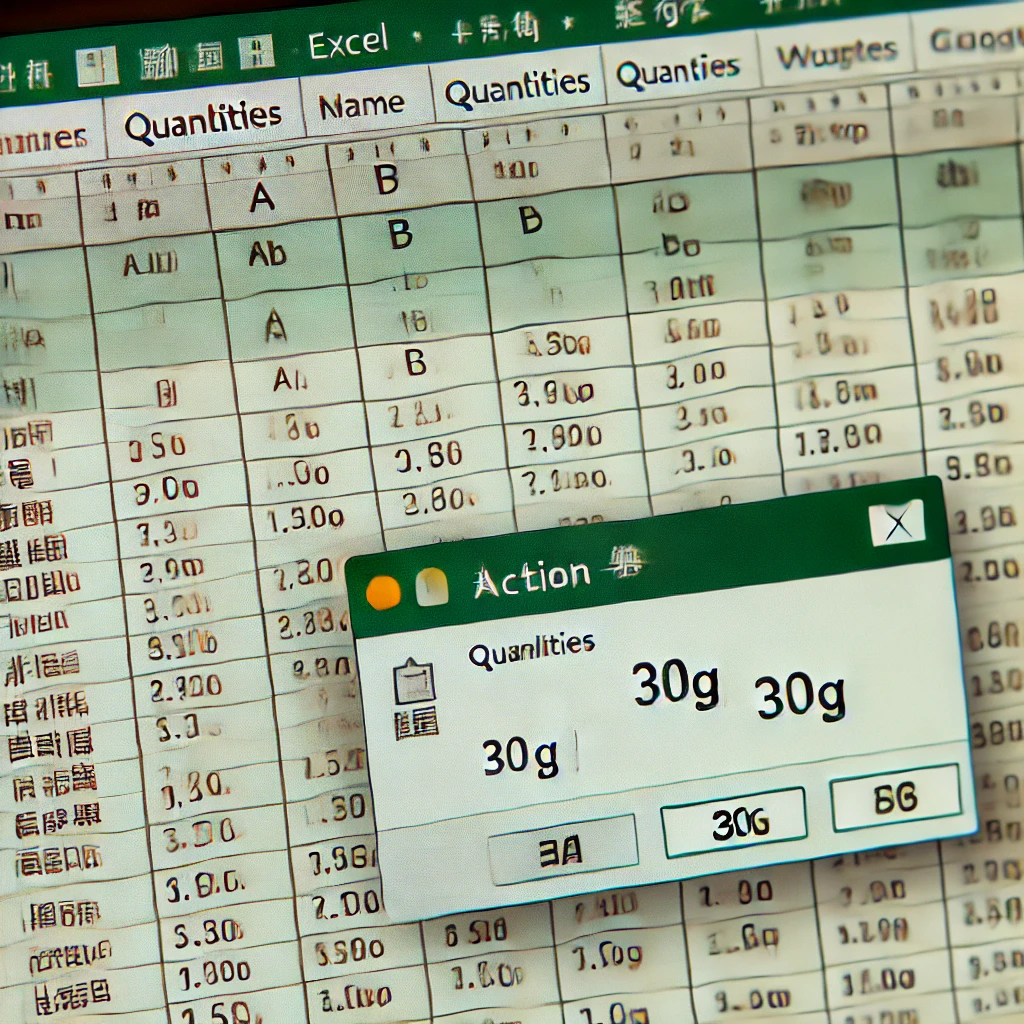
Overview I am using Excel VBA to manage inventory. We had a rule: "Report if the total weight goes over 30g." However, this rule was often ignored, causing problems. So, I decided to enforce it with a system: "If the total is over 30g, d... -
[Excel VBA] How to Delete All Charts on a Specific Sheet (Using ChartObjects)
Background When creating multiple charts on an Excel sheet, you may encounter situations where you want to delete them all at once. In my case, I had a sheet serving as a "Dashboard" with many charts placed on it. Since deleting every ch... -
[VBA] How to Retry the Original Operation After Error Handling (Resume)
Introduction When handling errors in VBA, you may need more advanced control than simply notifying the user and ending the macro. Sometimes, you want to "programmatically fix the cause of the error and try the failed operation again." Fo... -
[Excel VBA] Techniques for Faster Array Looping and Comparison
In Excel VBA optimization, the technique of reading cell range data into an "array" before processing is crucial. Furthermore, how you loop through that array and how you clear it significantly affects performance and code accuracy. In t... -
[Excel VBA] 3 Ways to Select/Activate Sheets and How to Choose
When performing operations across multiple sheets in VBA, you first need to clearly specify "which sheet to operate on." This is equivalent to a user manually clicking on a sheet tab. In VBA, there are two main ways to select (activate) ... -
[VBA] How to Split Strings by Colon to Extract Specific Data (Reading Dates from CSV)
Background When processing external CSV files, you often need to extract only a specific part of a text string contained in a cell. For example, if cell A1 of a CSV file contains the string "Date:20240831", you might want to retrieve onl... -
[Excel VBA] How to Execute SQL Commands (UPDATE/INSERT) on Access
When working with an Access database in VBA, you may want to "update all records that match a condition at once" or "add a new record directly using SQL" instead of processing records one by one. For these types of data operations, the D... -
[VBA] How to Check if a Cell Value is Numeric Using the IsNumeric Function
When working with table data in Excel VBA, there are often times when you need to verify "whether a specific cell contains a number." For example, you might want to exclude non-numeric input before performing calculations. In this articl...