mori– Author –

-

[Power Query] How to Calculate Average Time and Add it to a Column | Supporting “mm:ss.0” Format
Introduction I wanted to use Excel's Power Query function to calculate the average of time data and add it as a column, so I learned and implemented the method. This technique is particularly effective when you want to process data in a ... -
[Power Query x VBA] How to Create a Macro to Auto-Apply “F2” + “Enter” to All Cells
Introduction When importing data using Power Query, have you ever encountered a situation where the cell values are not recognized as the intended data type? For example, numbers or dates might not be recognized correctly, preventing cal... -
[Power Query x VBA] How to Create a “Refresh All” Button
Introduction When importing data using Power Query in Excel, do you ever feel that clicking the [Refresh All] button in the "Data" tab every time is a hassle? In this article, I will show you how to improve work efficiency by using VBA t... -
[Power Query] What is M Language? A Beginner’s Guide
Introduction When using Power Query in Excel, you may encounter the unfamiliar term "M Language" (or M Script). At first, I was confused and didn't know what it meant, but after researching, I realized it is a crucial mechanism that supp... -
[Power Query] How to Get the Minimum Value of a Column and Display it in a Custom Column
Introduction While shaping and processing data in Excel's Power Query, you may encounter situations where you want to retrieve the minimum value contained within a specific column. In this article, I will share the procedure for calculat... -
[Excel] How Many Columns? The Limit is 16,384 | You Can Use Up to the Final Column “XFD”
Introduction When creating large, database-like tables in Excel, have you ever wondered, "How far do these columns actually go?" I investigated the column limits when I needed to handle a massive amount of data in Excel, so I will share ... -
[Porting] How to Replace Excel’s RAND and RANK Functions with Python | Implementing with pandas and numpy
Overview I have previously used Excel functions like =RAND() and =RANK() to generate random values and process rankings. However, as I move towards improving business efficiency and automating processes, I wanted to reproduce similar pro... -
[Excel] How to Display Time as a Decimal Number | Steps to Convert “8:30” to “8.5”
Background When handling work hours or durations in Excel, there are often times when you want to convert "Time" into a decimal number. For example, expressing "8 hours and 30 minutes" as "8.5" makes calculations much easier. Currently, ... -
[Excel] How to Count Data from Another Sheet Using COUNTIF
Background When working in Excel, you often want to aggregate data that is split across multiple sheets. In my case, I had raw data in Sheet2 and wanted to summarize it in Sheet1. However, counting manually how many times a specific text... -
[Power Query] Difference Between “Transform Sample File” and “Other Queries”
Introduction When importing data using Power Query in Excel, you will often see "Transform Sample File" and "Other Queries" displayed in the sidebar of the Query Editor. While both seem to involve data transformation, their purposes and ... -
[Excel] How to Restrict Input to Dates Only (yyyy/mm/dd)
Background I wanted to restrict the values entered into cells in Excel to dates only (yyyy/mm/dd), so I looked into how to do it. Steps Here is the procedure: Select the target cells. Click the "Data" tab on the menu bar. Click "Data Val... -
[Excel] How to Ignore #DIV/0! Errors When Calculating Average
Background When I tried to calculate the average of a range in Excel, I couldn't get a result because one of the cells contained a #DIV/0! error. I studied how to calculate the average while ignoring this #DIV/0! error, and I will share ... -
[Excel] How to Display Missing Sheet Tabs | restoring the Sheet Tab Bar
Introduction Have you ever opened an Excel file and found that the sheet tabs usually located at the bottom of the window have completely disappeared? Without them, you cannot switch between sheets, which is very inconvenient. In this ar... -
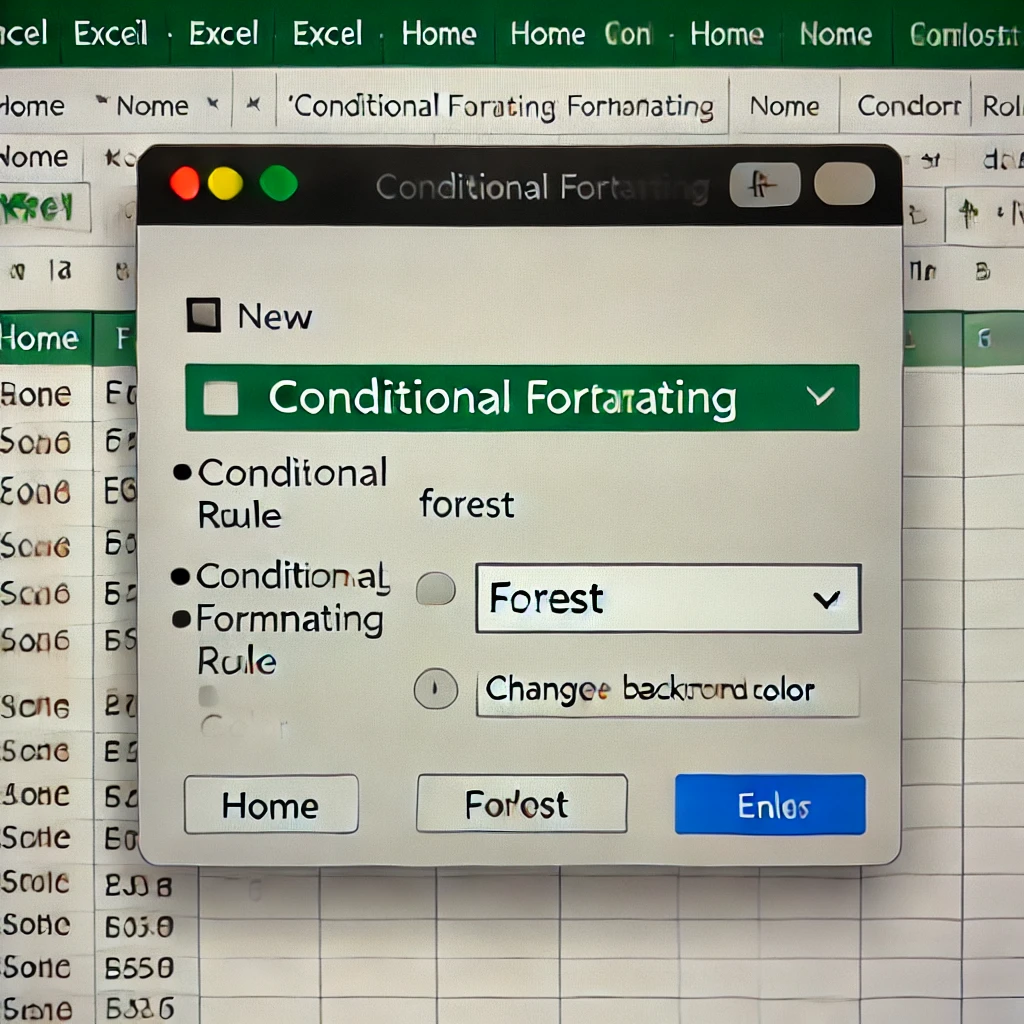
[Excel] How to Change Cell Color Based on Specific Text
Introduction In this article, I will introduce how to automatically change the color of cells containing specific text in Excel. For example, if you want to change the background color of cells containing the word "Forest" (森), you can ... -
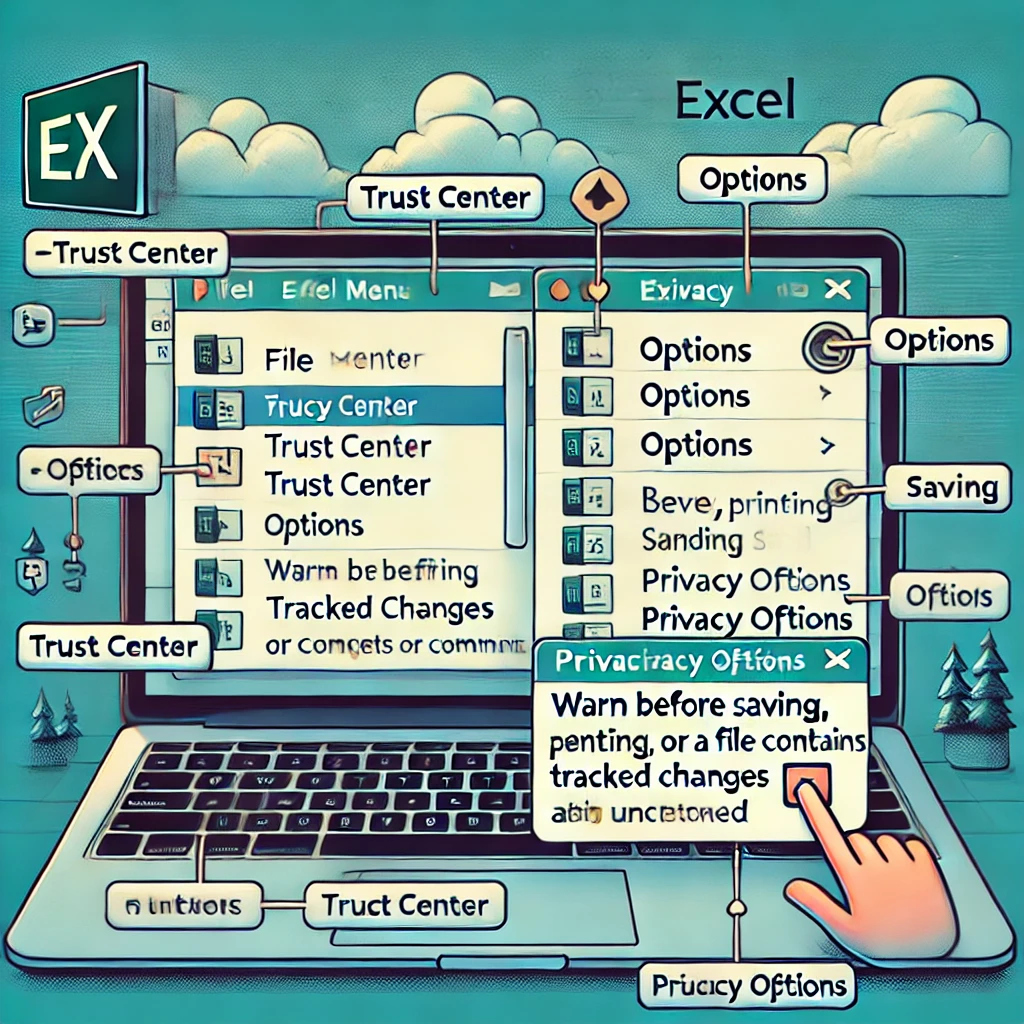
[Excel] How to Disable the “Personal Information Warning” on Save
Introduction When working in Excel, you may encounter the following message every time you save a file: "Be careful, parts of your document may include personal information that can't be removed by the Document Inspector." If this messag... -
[Excel] How to Create a Dropdown List That Allows Free Input
Introduction When using Excel, there are often times when you want to restrict the values that can be entered into a cell. "Data Validation" is the go-to feature for this. For example, you might want to set up a list in a cell so users c... -
[Excel] How to Plot a Specific Value on a Graph Line | Using Linear Interpolation
Introduction When plotting data on a graph, have you ever found yourself manually placing a shape on a dotted line, wondering, "Where exactly does this value fall?" I used to manually paste red dots while looking at the numbers, but this... -
[Excel] How to Change “m2” to “m²” | Superscript Formatting
Introduction In Excel, you may want to display units like square meters ("m2") with the "2" showing as a small number at the top right, like "m²". Here is how to format the text to achieve this appearance. Steps Here is the procedure: Op... -
[Excel] How to Fix Missing Chart Legends | Causes and Solutions
Introduction When creating a chart in Excel, the legend may not display correctly. You might encounter a situation where the "Select Data" screen lists 4 series, but the actual graph only displays 3. In this article, I will first explain... -
[Excel] How to Remove Decimals from Chart Axis Labels | Beginner’s Guide to Displaying Integers
Introduction When you create a chart in Excel, the axis labels often automatically display with decimal points, such as "1.0" or "2.0", even when your data consists only of integers. To make your chart look cleaner and easier to read, yo... -
[Excel] Why Columns Shift When Copying Formulas and How to Fix It
Introduction When working in Excel, have you ever experienced a situation where you just wanted to copy a formula, but the columns or rows shifted unexpectedly? "I just wanted to copy the calculation, but the reference cells moved on the... -
[[Excel Technique] How to Remove an Excel Table | Beginner’s Guide to Converting to a Normal Range]
Introduction When organizing data in Excel, many people use the convenient "Table" feature. Using a table automatically tidies up the appearance and makes setting filters and styles easy. However, when actually using it, there are times ... -
[Excel] How to Calculate Elapsed Time Between Two Dates | Technique to Display in “h:mm:ss” Format
Introduction When managing work logs or event records in Excel, you often encounter situations where you need to accurately calculate "how much time has passed from one date and time to the next." For example, let's look at the following... -
[Excel] How to Link Shape Text to Cell Values
Overview In Excel, you can link the text displayed in shapes (such as rectangles or text boxes) to cell values. When the cell is updated, the display within the shape changes automatically. This article explains the setup procedure using... -
[Excel] How to Count in “0.5” Increments | Steps to Carefully Handle Blanks and Specific Values with COUNTA and COUNTIF
Overview This article introduces methods for handling Excel aggregation requirements such as "basically counting cells as 1, but counting 7 and 8 as 0.5." We will carefully explain practical formula patterns using COUNTA, COUNTIF, and SU... -
[Excel] Causes and Solutions for “The file couldn’t be opened in Protected View”
Introduction When trying to open a file in Excel, you may have encountered the message: "The file couldn't be opened in Protected View." This can prevent you from proceeding with your work. It can be particularly frustrating when the err... -
[C++] How to Use std::unique_ptr | Smart Pointers to Automate Memory Management
Introduction When dynamic memory is allocated using new in C++, it must always be manually released using delete. Forgetting to do so causes memory leaks. To solve this problem, C++11 introduced std::unique_ptr, a smart pointer that auto... -
[C++] How to Use std::pair | How to Handle Two Values as a Pair
Introduction When programming in C++, you often encounter data that needs to be treated as a pair, such as "key and value," "first name and last name," or "x-coordinate and y-coordinate." For this purpose, the C++ standard library <ut... -
[C++] What are Static Members? | How to Use Variables and Functions Shared by the Entire Class
Introduction In C++ classes, member variables (data members) usually hold individual values for each object. If you create two objects, car1 and car2, from a Car class, their gas (gasoline level) is managed separately. However, there are... -
[C++] Thorough Explanation of Lambda Expressions | Captures and Generic Lambdas
Introduction When using standard algorithms like std::sort or std::find_if in C++, defining a separate function just to specify a condition can be tedious. Lambda expressions, introduced in C++11, answer the need for "disposable, simple ...