mori– Author –

-

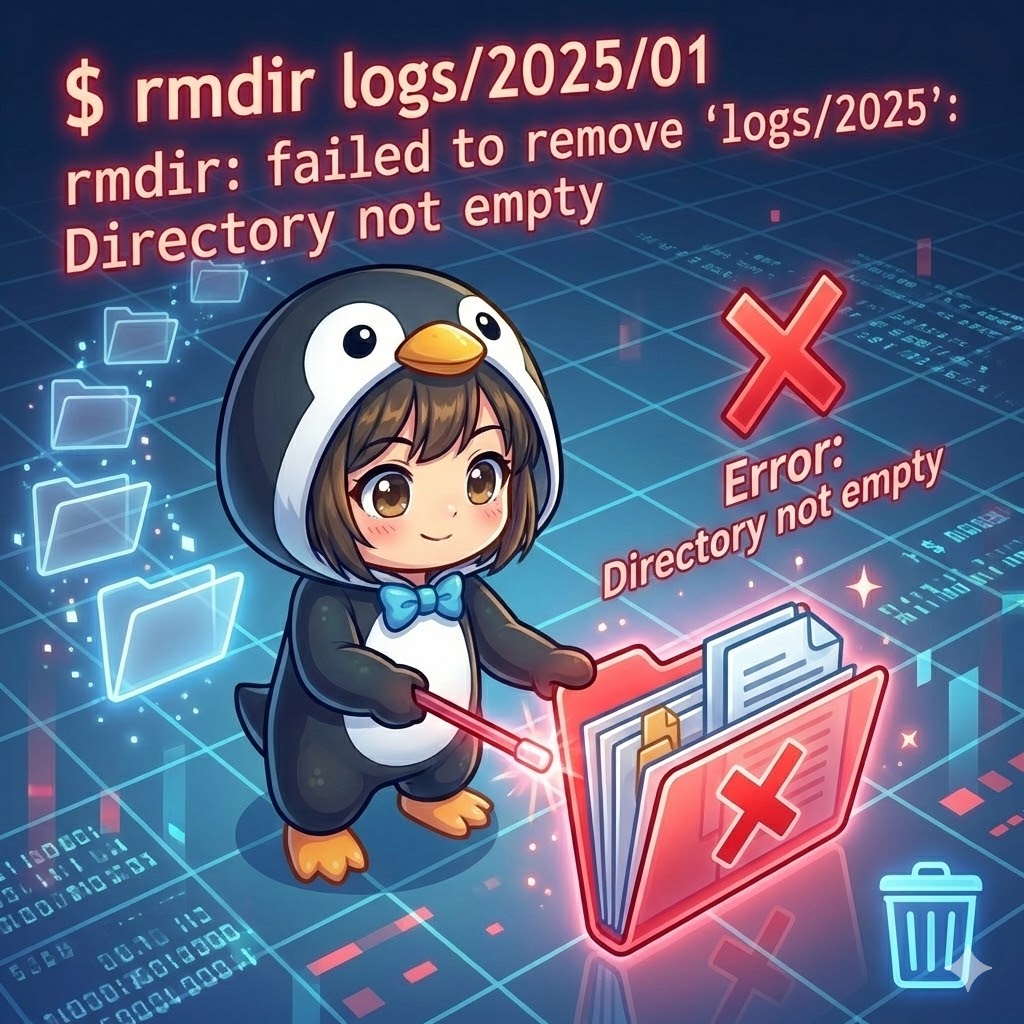
[Linux] Safely Removing Empty Directories with the rmdir Command
Overview rmdir (remove directory) is a command specifically designed to delete empty directories. If you attempt to delete a directory that still contains files, the command will encounter an error and stop. This eliminates the risk of a... -
【Linux】rmdirコマンドで空のディレクトリを安全に削除する
概要 rmdir(remove directory)は、空のディレクトリを削除するためのコマンドです。 ファイルが含まれているディレクトリを削除しようとするとエラーが発生して停止するため、誤って重要なファイルを消してしまうリスクがありません。「中身が空であるこ... -
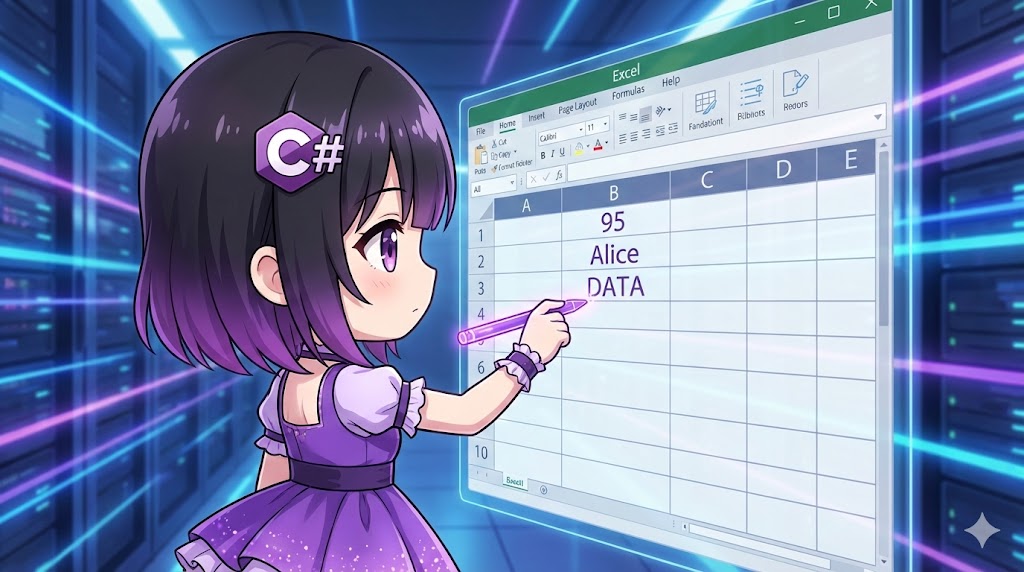
[C#] How to Write Values to Excel Cells Using NPOI
Overview This implementation uses the open-source library "NPOI" to set values in specific cells of an Excel sheet. We use a wrapper class to simplify the NPOI-specific process—creating a row first, then allocating a cell within it—allow... -
【C#】NPOIを使ってExcelのセルに値を書き込む
概要 OSSライブラリ「NPOI」を使用し、作成したExcelシートの特定のセルに値を設定する実装です。 行(Row)を作成してから、その中にセル(Cell)を確保して値を書き込むというNPOI特有の手順をラッパークラスで簡略化し、ループ処理などで効率的にデータ... -
[C#] How to Create New Excel Files Using NPOI
Overview This implementation uses the open-source library "NPOI" to create new .xlsx Excel files in environments where Microsoft Excel is not installed. By creating a wrapper class called MyExcelBook, we hide the complexity of NPOI and a... -
【C#】NPOIを使用してExcelファイルを新規作成する
概要 OSSのライブラリである「NPOI」を使用して、Microsoft Excelがインストールされていない環境でも .xlsx 形式のExcelファイルを新規作成する実装です。 NPOIの複雑な処理を隠蔽するラッパークラス MyExcelBook を作成し、直感的にブック作成、シート追... -
[C#] How to Verify Digital Signatures Using RSA Public Keys
Overview This implementation verifies that data has not been tampered with (integrity) and that it was sent by the correct sender (authenticity) by using the received data, the digital signature, and the sender's public key. In modern .N... -
【C#】RSA公開鍵を使用したデジタル署名の検証
概要 受信したデータとデジタル署名、そして送信者の公開鍵を使用して、データが改ざんされていないこと(完全性)と、正しい送信者から送られたこと(真正性)を検証する実装です。 .NETのモダンな実装では、古い RSAPKCS1SignatureDeformatter クラスで... -
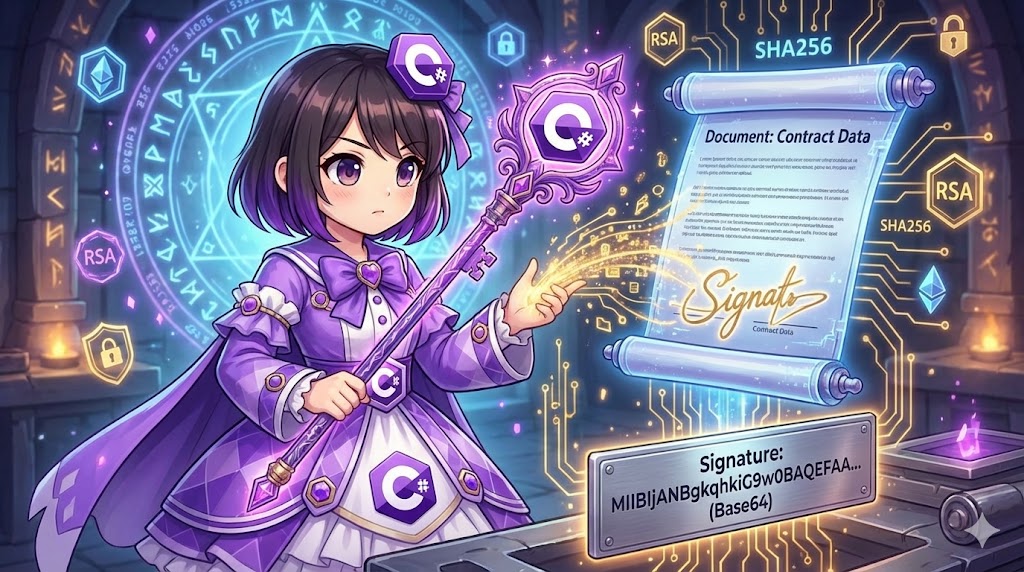
[C#]How to Generate Digital Signatures Using RSA and SHA256
Overview This is an implementation to create a digital signature for arbitrary data using an RSA private key. By attaching a digital signature, you can guarantee the authenticity (proving the sender's identity) and integrity (confirming ... -
【C#】RSAとSHA256によるデジタル署名の生成
概要 RSA秘密鍵を使用して、任意のデータに対するデジタル署名(電子署名)を作成する実装です。 デジタル署名を付与することで、データの送信者が本人であること(真正性)と、データが途中で改ざんされていないこと(完全性)を保証できます。 .NETの現... -
[C#] How to Verify Data Integrity Using Hash Values
Overview This implementation verifies whether data has been tampered with or corrupted during communication or storage. By comparing the hash value (digest) calculated from the original data with the hash value of the target data, you ca... -
【C#】ハッシュ値を用いたデータの整合性検証
概要 データが通信や保存の過程で改ざん・破損していないかを検証する実装です。 元のデータから算出されたハッシュ値(ダイジェスト)と、検証対象データのハッシュ値を比較することで、1ビットでも差異があれば不正とみなす厳密なチェックを行います。 ... -
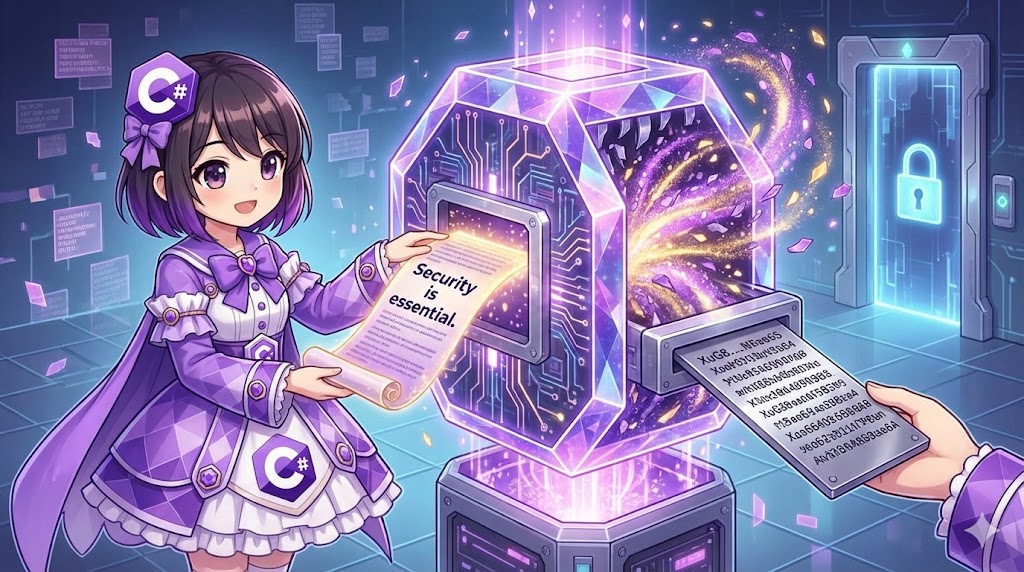
[C#] How to Calculate Data Hash Values Using SHA256
Overview This implementation generates a fixed-length hash value (message digest) from any string or data using the SHA256 algorithm. Hash values are used for detecting data tampering or verifying data identity. A key characteristic is t... -
【C#】SHA256を使用してデータのハッシュ値を計算する
概要 任意の文字列やデータから、SHA256アルゴリズムを使用して固定長のハッシュ値(メッセージダイジェスト)を生成する実装です。 ハッシュ値はデータの改ざん検知や同一性確認に利用され、元のデータが1ビットでも異なれば全く異なる値が出力される特性... -
[C#] How to Read PKCS#1 Format RSA Private Key Files and Decrypt Data
Overview This implementation reads a PKCS#1 format PEM file starting with -----BEGIN RSA PRIVATE KEY----- and uses the private key to decrypt encrypted data. By using the ImportRSAPrivateKey method added in .NET Core 3.0, you can restore... -
【C#】PKCS#1形式のRSA秘密鍵ファイルを読み込んで復号する
概要 「-----BEGIN RSA PRIVATE KEY-----」で始まるPKCS#1形式のPEMファイルを読み込み、その秘密鍵を使用して暗号化データを復号する実装です。 .NET Core 3.0以降で追加された ImportRSAPrivateKey メソッドを使用し、テキスト処理で抽出したバイナリデ... -
[C#]How to Read PKCS#1 Format RSA Public Key Files and Encrypt Data
Overview This implementation demonstrates how to read a PKCS#1 format PEM file starting with "-----BEGIN RSA PUBLIC KEY-----" and use that public key to encrypt data. By using the ImportRSAPublicKey method added in .NET Core 3.0, you can... -
【C#】PKCS#1形式のRSA公開鍵ファイルを読み込んで暗号化する
概要 「-----BEGIN RSA PUBLIC KEY-----」で始まるPKCS#1形式のPEMファイルを読み込み、その公開鍵を使用してデータを暗号化する実装です。 .NET Core 3.0以降で追加された ImportRSAPublicKey メソッドを使用し、Base64デコードされたバイナリデータ(DER... -
[C#]How to Decrypt Data Using RSA Private Keys
Overview This implementation restores data encrypted via the RSA method to its original text using a corresponding private key in XML format. It utilizes the version-independent RSA abstract class in .NET and specifies high-security padd... -
【C#】RSA秘密鍵を使用した暗号化データの復号
概要 RSA暗号化方式で暗号化されたデータを、対となる秘密鍵(XML形式)を使用して元のテキストに戻す(復号する)実装です。 .NETのバージョンに依存しない抽象クラス RSA を使用し、セキュリティ強度の高いパディング方式を指定して安全にデータを復号し... -
[C#]How to Encrypt Data Using RSA Public Keys
Overview This implementation uses a public key in XML format to encrypt sensitive text data. In modern .NET environments, it is recommended to use the factory methods of the abstract RSA class instead of RSACryptoServiceProvider and expl... -
【C#】RSA公開鍵を使用したデータの暗号化
概要 XML形式の公開鍵を使用して、機密性の高いテキストデータを暗号化する実装です。 最新の.NET環境では、RSACryptoServiceProviderではなく抽象クラスRSAのファクトリメソッドを使用し、よりセキュアなパディングモード(OAEP)を明示的に指定する方法... -
[C#] Storing and Reusing Private Keys in RSA Key Containers with CspParameters
Overview This implementation uses the Key Container feature of the CryptoAPI (CAPI) in Windows to persist RSA key pairs at the OS level. Instead of managing keys as files, you specify a "Container Name" linked to the user profile or mach... -
【C#】CspParametersを用いたRSAキーコンテナへの秘密鍵格納と再利用
概要 Windows環境において、CryptoAPI(CAPI)のキーコンテナ機能を利用し、RSA鍵ペアをOSレベルで永続化する実装です。 ファイルとして鍵を保存・管理するのではなく、OSのユーザープロファイルまたはマシンストアに関連付けられた「コンテナ名」を指定す... -
[C#] How to Generate RSA Key Pairs and Convert to PEM Format
Overview In modern .NET environments, you can generate RSA key pairs (private and public keys) using only standard libraries and export them in the highly portable PEM format (Base64 strings). This approach replaces the legacy XML format... -
【C#】RSA鍵ペアの生成とPEM形式による秘密鍵・公開鍵のテキスト化
概要 最新の.NET環境において、標準ライブラリのみを使用してRSA暗号化方式のキーペア(秘密鍵と公開鍵)を新規生成し、取り回しのしやすいPEM形式(Base64文字列)としてエクスポートする実装です。 従来のXML形式(ToXmlString)に代わり、OpenSSLや他の... -
[C#] How to Decrypt Files Using Symmetric Key Encryption (AES)
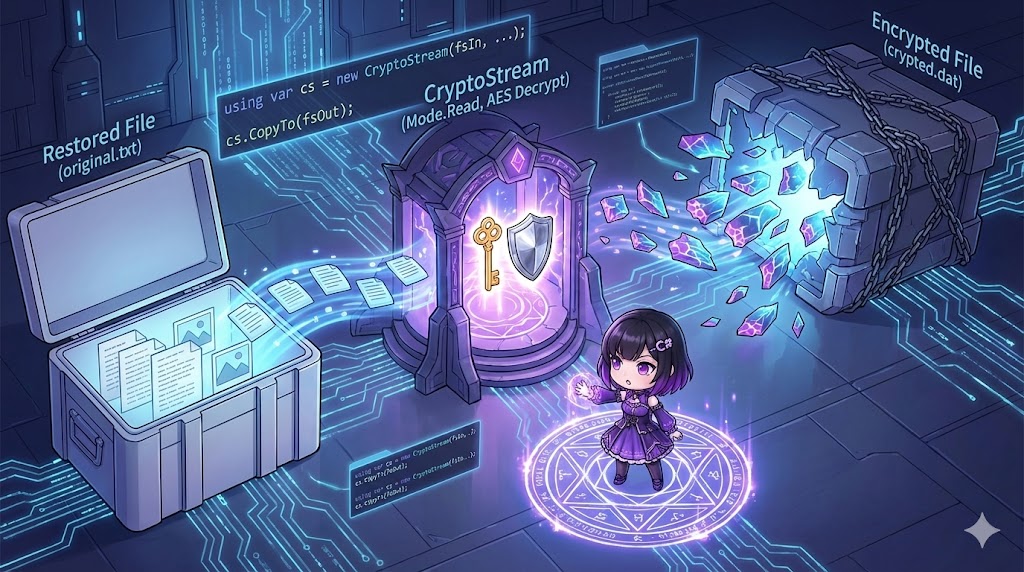
Overview To restore an encrypted file to its original state (decryption), you perform the reverse stream process of encryption. By passing the encrypted data read from a file through a CryptoStream in read mode, the data is converted bac... -
【C#】共通鍵暗号(AES)で暗号化されたファイルを復号する方法
概要 暗号化されたファイルを元の状態に戻す(復号する)には、暗号化時と逆のストリーム処理を行います。 ファイルから読み込んだ暗号データを CryptoStream(読み取りモード)に通すことで平文に戻し、その結果を別のファイルへ書き出します。この処理も... -
[C#] How to Encrypt Files Using Symmetric Key Encryption (AES)
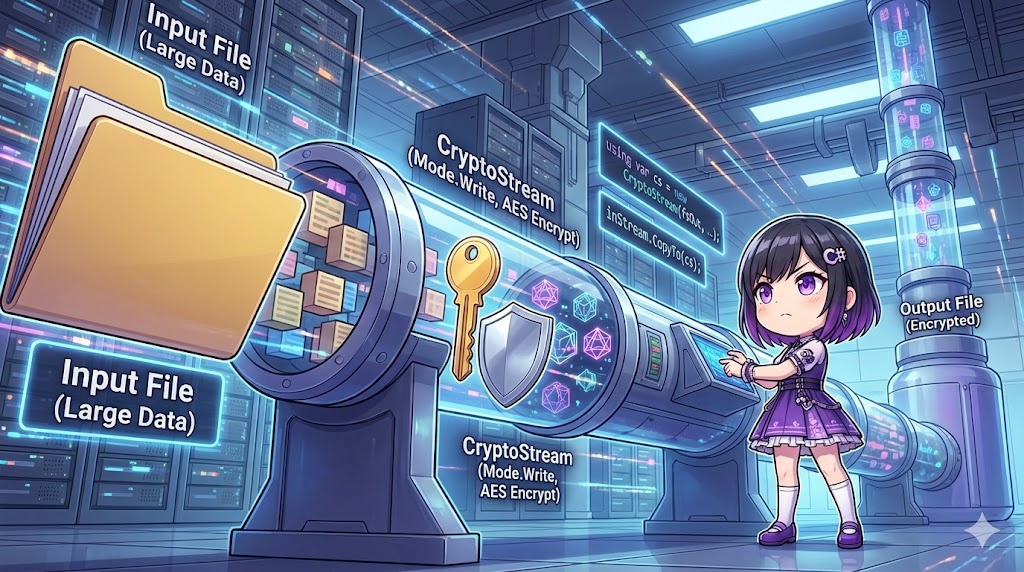
Overview When encrypting files, loading the entire file into memory can lead to out-of-memory errors, especially with large files like videos or backups. By combining CryptoStream and Stream.CopyTo, you can perform "stream processing"—en... -
【C#】共通鍵暗号(AES)でファイルを暗号化する方法
概要 ファイルを暗号化する場合、ファイル全体をメモリに読み込んでから処理すると、巨大なファイル(動画やバックアップデータなど)でメモリ不足になる危険があります。 CryptoStream と Stream.CopyTo を組み合わせることで、ファイルの中身を少しずつ...