Overview
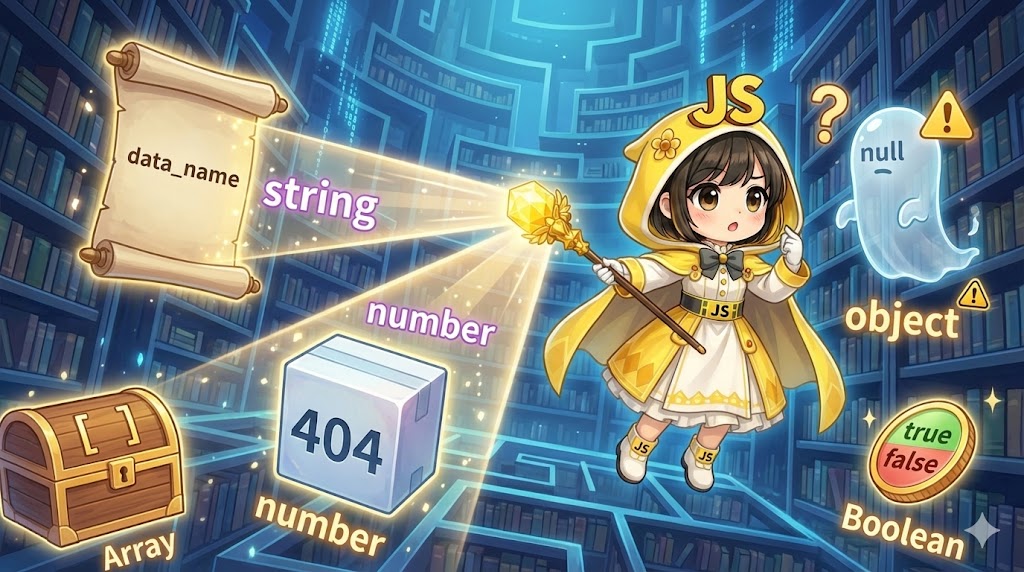
Data types in JavaScript are fundamentally categorized into two groups: Primitive types and Object types. These categories differ not only in how they are stored in memory but also in their immutability. Understanding these core behaviors is essential to preventing unexpected side effects and debugging complex data flows. This guide explores the definition of each type and the practical ways to identify them within a logic-heavy environment.
Specifications (Input/Output)
Classification and Meaning
| Category | Definition | Key Characteristic |
| Primitive Type | Basic data stored directly in the variable’s memory location. | Immutable: The value itself cannot be changed. |
| Object Type | A collection of values or functions identified by a memory reference. | Mutable: Properties and elements can be modified dynamically. |
Primitive Type Details
| Type | Purpose | Example |
| Boolean | Logical entity representing true or false. | true, false |
| String | Represents textual data. | "mori", 'Tokyo' |
| Number | Numeric data (integer or floating-point). | 1024, 3.14 |
| undefined | Indicates a variable has been declared but not assigned. | undefined |
| Null | Represents the intentional absence of any object value. | null |
| Symbol | A unique and immutable identifier. | Symbol('key') |
Basic Usage
Primitive types are used when you need to store a single, simple value. In contrast, object types (including arrays and literal objects) are used to structure multiple related data points. Because objects are stored as references, copying an object variable does not create a new set of data but rather a new pointer to the same memory location, which is a common source of bugs for developers transitioning from primitive logic.
Full Code Implementation (HTML / JAVASCRIPT)
HTML
<!DOCTYPE html>
<html lang="en">
<head>
    <meta charset="UTF-8">
    <title>Smart Home Sensor Dashboard</title>
</head>
<body>
    <div id="sensor-dashboard">
        <h2>Sensor Network Monitoring</h2>
        <div id="display-output"></div>
        <hr>
        <button id="check-types-btn">Analyze Data Types</button>
    </div>
    <script type="module" src="main.js"></script>
</body>
</html>
JavaScript
/**
 * Script managing sensor device states
 * Scenario: Receiving data from IoT devices managed by mori
 */

// 1. Defining Primitive Types
const deviceId = 5050;                // Number
const deviceOwner = "mori";           // String
const isActive = true;                // Boolean
const lastError = null;               // Null
let pendingCommand;                   // undefined

// 2. Defining Object Types (Plain Object)
const hardwareInfo = {
  model: "NX-200",
  revision: 1.2
};

// 3. Defining Object Types (Array)
const signalStrengthHistory = [85, 82, 90];

// 4. Defining Object Types (Array of Objects)
const logEntries = [
  { timestamp: "10:00", value: 24.5, reporter: "mori" },
  { timestamp: "10:05", value: 24.6, reporter: "system" }
];

const output = document.getElementById('display-output');

/**
 * Outputs the data type of each variable to the console and UI
 */
const analyzeDataTypes = () => {
  const dataList = [
    { name: "deviceId", val: deviceId },
    { name: "deviceOwner", val: deviceOwner },
    { name: "isActive", val: isActive },
    { name: "lastError", val: lastError },
    { name: "pendingCommand", val: pendingCommand },
    { name: "hardwareInfo", val: hardwareInfo },
    { name: "signalStrengthHistory", val: signalStrengthHistory },
    { name: "logEntries", val: logEntries }
  ];

  output.innerHTML = "";
  dataList.forEach(item => {
    // Basic type checking using typeof
    const type = typeof item.val;
    const info = `${item.name}: Type = ${type}`;
    console.log(info, item.val);

    const p = document.createElement('p');
    p.textContent = info;
    output.appendChild(p);
  });
};

document.getElementById('check-types-btn').addEventListener('click', analyzeDataTypes);
Customization Points
When building robust applications, use the typeof operator as a guard clause to ensure incoming data matches the expected type (e.g., ensuring a sensor value is a Number). For strings, consider using template literals (backticks) to embed variables, which significantly improves the readability of your logs and UI updates compared to traditional concatenation.
Important Considerations
Executing typeof null returns "object" due to a legacy bug in the original JavaScript implementation. When verifying if a value is truly an object, you must simultaneously check that it is not null. Additionally, remember that while primitive types are immutable (the value itself cannot be changed), objects declared with const still allow their internal properties to be modified. To strictly distinguish an array from an object, typeof is insufficient as it returns "object" for both; use the Array.isArray() method for precise identification.
Advanced Applications
You can use the Symbol type to create unique, hidden keys within an object. This is particularly useful for internal tracking IDs that should not be exposed during standard iteration or JSON serialization.
/**
 * Defining a unique internal ID using a Symbol
 */
const internalId = Symbol('id');

const userProfile = {
  [internalId]: "SECRET_999_MORI",
  userName: "mori"
};

// Symbols do not appear in standard keys or JSON
console.log(Object.keys(userProfile)); // ["userName"]
console.log(userProfile[internalId]);  // "SECRET_999_MORI"
Summary
Understanding JavaScript data types is the first step toward effective memory management and preventing unintended data mutations. Primitive types like numbers and strings are simple and immutable, whereas object types like arrays and literals offer complex structures but require careful handling of memory references. By maintaining awareness of which category a value belongs to and utilizing appropriate identification methods like typeof and Array.isArray(), you can construct robust and maintainable code. In large-scale scenarios, defining nested object structures clearly and implementing type-based branching will lead to much more stable system operation.