Overview
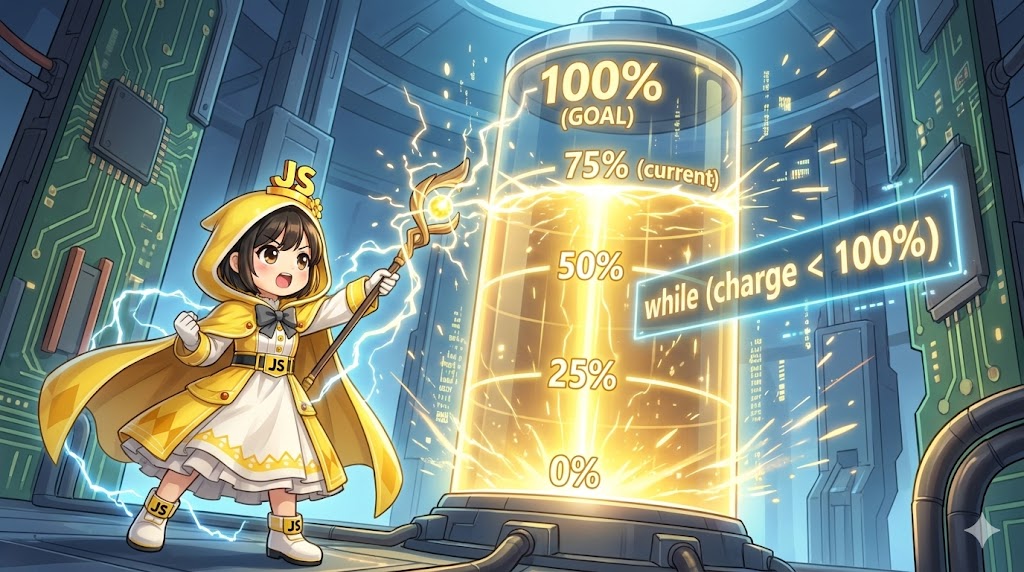
While the for loop is used when the number of repetitions is decided in advance, the while statement is a loop structure that repeats a process “as long as a specific condition is met.” It is suitable for processes where the number of iterations is uncertain, such as “until the user enters the correct answer” or “until data loading is complete.” This article explains the basic syntax of the while statement and how to update variables to prevent infinite loops.
Specifications (Input/Output)
- Input: Initial battery level (0%)
- Output:
- Progress logs until the target value (100%) is reached.
- Completion message.
Basic Usage
Use the syntax: while (condition) { process }. As long as the condition is true, the process inside the {} block will continue to execute. You must include a process that changes the condition (such as updating a variable) inside the block; otherwise, the loop will run forever.
Full Code (HTML / JavaScript)
HTML (index.html)
<!DOCTYPE html>
<html lang="en">
<head>
    <meta charset="UTF-8">
    <meta name="viewport" content="width=device-width, initial-scale=1.0">
    <title>while Statement Demo</title>
    <script src="while-demo.js" defer></script>
</head>
<body>
    <div class="container">
        <h1>Please check the Console</h1>
        <p>The charging process logs are displayed in the console.</p>
    </div>
</body>
</html>
JavaScript (while-demo.js)
This is a simulation that repeats a charging process until the battery reaches 100%.
/**
 * Charging simulation using a while statement
 * Repeats the process until the target value is reached.
 */
const startCharging = () => {
    let currentPercent = 0; // Current battery level
    const maxPercent = 100; // Target value

    console.log("--- Starting Charge ---");

    // Repeat while currentPercent is less than maxPercent
    while (currentPercent < maxPercent) {
        console.log(`Current: ${currentPercent}% - Charging...`);

        // IMPORTANT: Process to change the condition
        // Without this, an infinite loop occurs
        currentPercent += 25;
    }

    console.log(`Current: ${currentPercent}% - Charging complete!`);
};

startCharging();
Customization Points
- Changing the Condition: You can use status matching or mismatching as a condition, such as
while (item !== null), instead of just comparing numerical sizes. - The do…while Statement: If you want to ensure the process runs “at least once regardless of the condition,” use the
do { process } while (condition);syntax.
Important Points
- Infinite Loops: This is the most critical point. If you forget to update the variable inside the block (e.g., forgetting
currentPercent += 25) or set a condition that is always true (e.g.,while (true)), the browser will freeze. Always design the loop so the condition eventually becomesfalse. - Execution Timing: The
whilestatement is a “pre-test” loop. If the condition isfalseat the very beginning (e.g., the battery is already 100%), the process inside the block will not run even once.
Advanced Usage
Repeating Until a Random Value Appears
This is a classic example of a process where the number of iterations is unpredictable. Use a random number to loop until a specific value is generated.
let dice = 0;
let count = 0;

// Keep rolling the dice until it hits 6
while (dice !== 6) {
    // Generate a random integer between 1 and 6
    dice = Math.floor(Math.random() * 6) + 1;
    count++;
    console.log(`Roll ${count}: ${dice}`);
}

console.log("A 6 was rolled. Ending process.");
Summary
The while statement is a loop syntax ideal for processes with a clear “exit condition.”
- Repeat while the condition is
true. - Always update variables inside the block to avoid infinite loops. Use a
forloop when the number of iterations is known in advance, and use awhileloop when it is not.