Overview
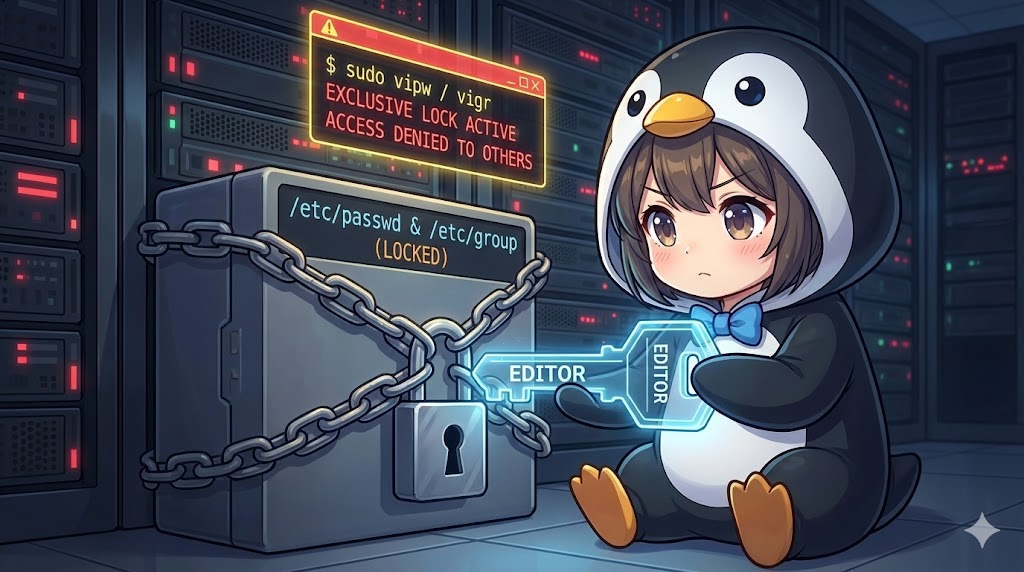
The vipw and vigr commands provide a safe way to manually edit critical system files such as /etc/passwd and /etc/group. These tools do more than just open an editor; they implement an exclusive locking mechanism that prevents other processes from writing to the file simultaneously. By locking the file at the start and performing a syntax check upon completion, these commands prevent fatal system errors—such as losing the ability to log in—that can occur due to improper manual configurations.
Specifications (Arguments and Options)
Syntax
BASH
vipw [options]
vigr [options]
Main Options
| Option | Description |
| -g, –group | Edits the group file (/etc/group). This is the default behavior for vigr. |
| -p, –passwd | Edits the password file (/etc/passwd). This is the default behavior for vipw. |
| -s, –shadow | Edits the shadow password file (/etc/shadow) or the group shadow file. |
Practical Scenario: Safely Repairing Account File Inconsistencies
Imagine a scenario where a system administrator, audit_manager, discovers that a specific line in /etc/passwd has become corrupted due to a script error. This corruption prevents standard commands like usermod from functioning correctly. To fix this while maintaining system integrity, the administrator uses vipw to manually repair the line while ensuring no other processes interfere during the edit.
BASH
# Check the priority of the editors to be used
echo $VISUAL
echo $EDITOR

# Lock and start editing /etc/passwd
sudo vipw

# Edit the shadow password file (/etc/shadow) directly
sudo vipw -s

# Safely edit the group file (/etc/group)
sudo vigr

# Edit the group shadow file (/etc/gshadow)
sudo vigr -s
How Editor Selection and Locking Works
The editor launched by vipw and vigr is determined by the VISUAL or EDITOR environment variables. If these variables are not set, the system typically defaults to a standard editor like vi. As soon as the command is executed, a lock file is generated. This lock remains active until the editor is closed, effectively blocking any other users or automated programs from making changes. This process guarantees that data inconsistencies are avoided during the maintenance window.
Important Considerations
Manual editing allows for fine-tuned adjustments that standard user management commands cannot perform, but it also introduces the risk of syntax errors. While vipw performs a basic format check when you exit, it cannot catch every possible issue, such as duplicate UIDs or missing required fields in complex setups. You should always understand the current configuration before making changes and verify the content carefully before saving, especially when dealing with production environments.
Summary
The vipw and vigr commands act as a vital safety mechanism for administrators who need to perform manual maintenance on core system account data. Compared to running a standard editor directly on sensitive files, these tools offer protection through locking and basic validation, which significantly reduces the risk of administrative accidents. Whether you are resolving a temporary system failure or applying a unique configuration change, these commands represent the most reliable method for safe manual file editing in a professional Linux environment.