Overview
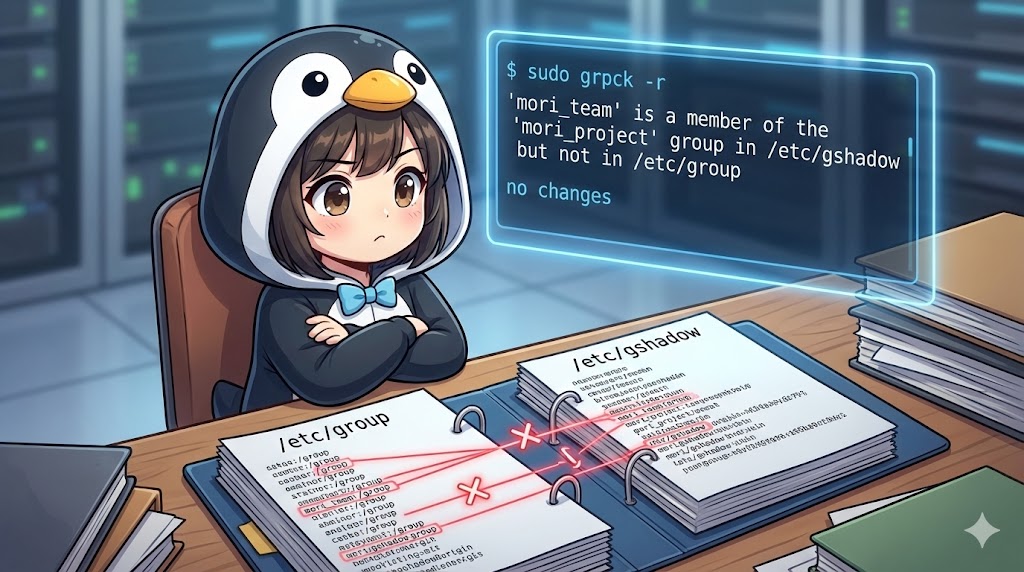
The grpck command is an administrative tool used to verify the integrity of the /etc/group and /etc/gshadow files, which store system group information. It scans for syntax errors within the files, duplicate group names, and registered members (users) that no longer exist. If inconsistencies are found, it allows for interactive deletion or correction of unnecessary entries. It can be considered the group equivalent of the pwck command.
Specifications (Arguments and Options)
Syntax
BASH
grpck [options] [group_file] [shadow_file]
Note: If file names are omitted, the command defaults to checking /etc/group and /etc/gshadow.
Main Options
| Option | Description |
| -r | Executes in read-only mode. No changes are made to the files; it only displays check results and suggests corrections for detected errors. |
| -s | Sorts entries by GID (Group ID) and saves the file (details omitted in this guide). |
Basic Usage
Verifying Group File Integrity (Read-Only)
This method checks the current group configuration for issues without modifying the system. If no errors are displayed, the files are healthy.
BASH
# Execute check in read-only mode
sudo grpck -r
Example Output
'mori_team' is a member of the 'mori_project' group in /etc/gshadow but not in /etc/group
no changes
In this example, a warning indicates that a member is registered in /etc/gshadow but does not exist in /etc/group. Since -r was specified, the result is “no changes.”
Practical Commands
Detecting and Fixing Inconsistencies Interactively
When executed without the -r option, the command prompts for confirmation to fix any errors found. Selecting yes will delete or correct the inconsistent lines.
BASH
# Execute in fix mode (Backup recommended)
sudo grpck
Example Output
group 'deleted_user': no user 'deleted_user'
delete member 'deleted_user'? y
grpck: the files have been updated
Summary
The grpck command is a tool for resolving contradictions in group information caused by manual configuration changes or system failures. In environments managing a large number of users and groups, “garbage settings”—where deleted users remain in group definitions—often occur. It is recommended to regularly run this command with the -r option to maintain system health. When performing actual repairs, always ensure a backup of files like /etc/group is taken beforehand.