Overview
The chpasswd command is a powerful tool for system administrators who need to set or change passwords for many user accounts at once. It reads a list from standard input in the format of “username:password” and processes them in a single batch. This tool makes work much faster during scenarios where setting passwords one by one is too slow, such as when creating many new accounts or performing a company-wide password reset.
Specifications (Arguments and Options)
Syntax
BASH
chpasswd [options]
Main Options
| Option | Description |
| -c [method] | Specifies the encryption method (e.g., SHA256, SHA512). |
| -e, –encrypted | Indicates that the input passwords are already encrypted. |
| -m, –md5 | Uses the MD5 algorithm for encryption (for older systems). |
Practical Scenario: Batch Updating Development Team Accounts
A system administrator named audit_manager needs to update passwords for new project members and several testing accounts using an external list. This process ensures all necessary accounts are ready for a new development phase without manual entry.
BASH
# Create an update list (Format: username:password)
# This targets accounts such as dev_mori and dev_staff
cat << 'EOF' > /tmp/new_passwords.txt
dev_mori:Pass_2026_A1
dev_staff:Pass_2026_B2
dev_guest:Pass_2026_C3
EOF

# Check the content of the file
cat /tmp/new_passwords.txt

# Run chpasswd and pass the list to update all passwords at once
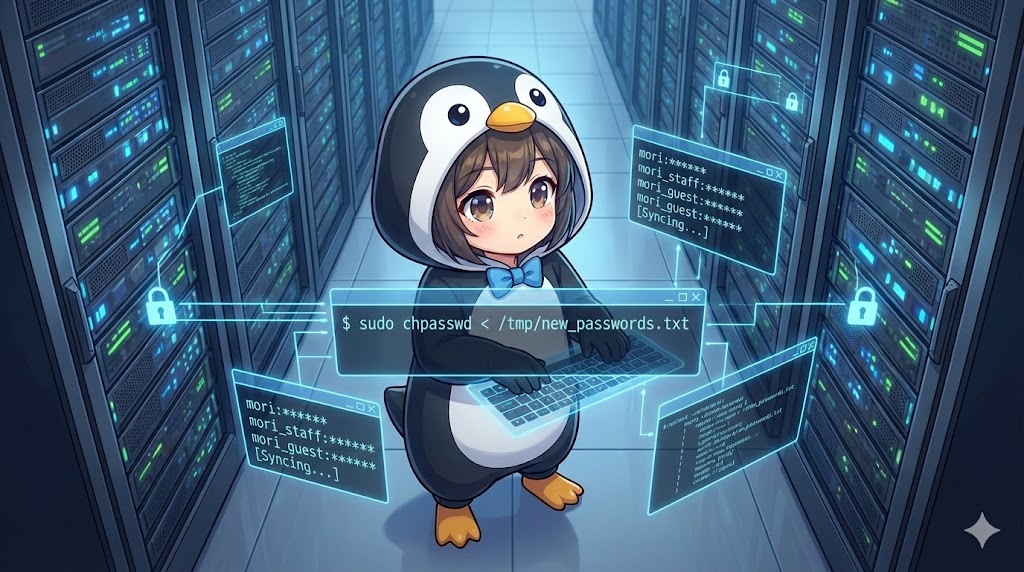
sudo chpasswd < /tmp/new_passwords.txt
Using Already Encrypted Passwords
If company policy forbids saving plain text passwords in files, you can prepare a list of strings that are already hashed. By using the -e option, the system will apply these encrypted strings directly to the accounts.
BASH
# Create a list containing encrypted (hashed) strings
cat << 'EOF' > /tmp/encrypted_list.txt
dev_mori:$6$rounds=4096$saltstring$hashed_password_here
EOF

# Process the batch using the -e option
sudo chpasswd -e < /tmp/encrypted_list.txt
Important Notes
Because the list file given to chpasswd contains plain text passwords, you must delete the file immediately after use or strictly limit its permissions to keep the system secure. Additionally, even when using chpasswd for batch updates, the system may still enforce global password policies, such as minimum length or complexity, depending on your PAM configuration. Finally, because this command modifies sensitive system files like /etc/shadow, you must run it with sudo or root privileges.
Summary
The chpasswd command is an essential tool for administrators who must manage many user profiles at the same time. Because it accepts standard input, you can easily connect it with other commands or scripts to build a fully automated setup process. While it is very convenient, the primary key to safe system operation is managing the risks of plain text data by using encrypted strings and cleaning up temporary files correctly. Integrating this command into your workflow allows for professional and efficient account oversight across any Linux environment.