Overview
The chfn command is used to modify the user’s real name, room number, work phone, and other auxiliary information stored in the GECOS field (comment section) of the /etc/passwd file. This information is typically displayed by commands like finger and serves as contact details for system administration. While changes are usually made interactively, you can also use options to set them non-interactively.
Specifications (Arguments and Options)
Syntax
BASH
chfn [options] [username]
Main Options
| Option | Description |
| -f [name] | Changes the user’s Full Name. |
| -r [room] | Changes the office Room Number. |
| -w [phone] | Changes the Work Phone number. |
| -h [phone] | Changes the Home Phone number. |
| -o [other] | Changes Other information. |
Basic Usage
When executed without options, the command enters an interactive mode where you are prompted to enter information sequentially. Pressing the Enter key skips the current item and keeps its existing value.
BASH
# Check current information
finger mori

# Change information in interactive mode
chfn mori

# Verify updated information
finger mori

# Confirm reflection in /etc/passwd
grep mori /etc/passwd
Example Output
# Interactive session with chfn
Changing finger information for mori.
Password: (Enter password)
Name []: Mori Taro
Office []: 3F-A
Office Phone []: 03-1234-5678
Home Phone []:
Finger information changed.

# Result of grep check
mori:x:1001:1001:Mori Taro,3F-A,03-1234-5678,,:/home/mori:/bin/bash
Practical Commands
Batch Changes Using Command Line Arguments
Use options to set information in a single command. This is useful for scripts or when you want to avoid the interactive prompts.
BASH
# Set full name and extension number
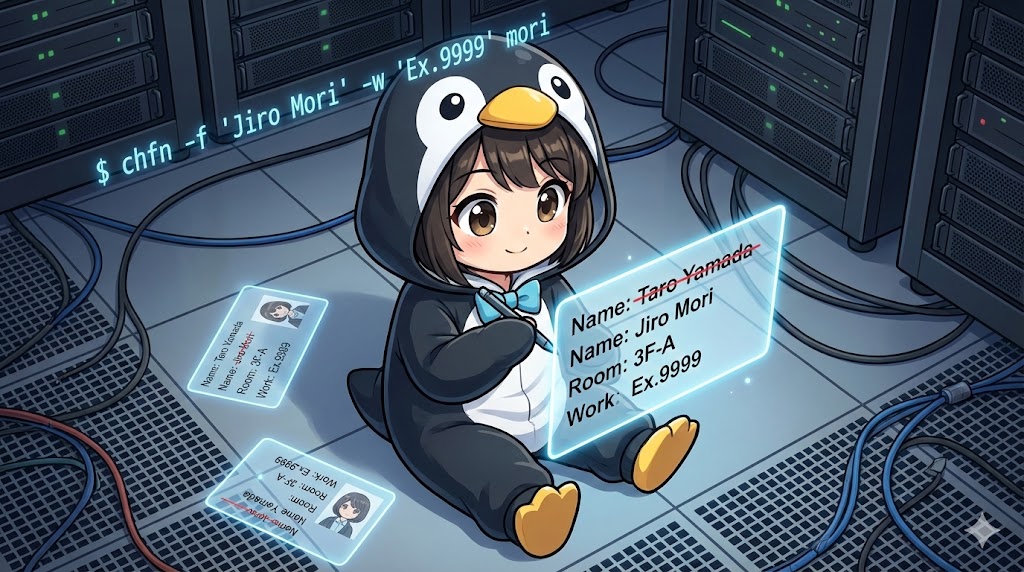
sudo chfn -f "Mori Jiro" -w "Ex.9999" mori
Deleting Information (Clearing Fields)
To remove specific information, you generally overwrite it with an empty string enclosed in quotes "".
BASH
# Delete the home phone number
chfn -h "" mori
Customization Tips
Structure of the GECOS Field
Information entered via chfn is saved in the 5th field of /etc/passwd, separated by commas. Since some email clients use this “Name” field as the sender’s name, it is recommended to keep this information accurate.
Privacy Considerations
The finger command can be configured to expose user information over the network (though this is rare in modern secure setups). You should establish operational rules to avoid entering sensitive data, such as home phone numbers, or use the -o option to store them in a separate administrative category.
Summary
The chfn command is a classic but essential tool for managing Linux user attribute information (metadata). While similar changes are possible with the usermod -c command, chfn excels in its ability to specify each item interactively and in detail. Especially in organizations where servers are shared, correctly setting -w (work phone) and -r (room number) as emergency contact information contributes to smooth system operations.