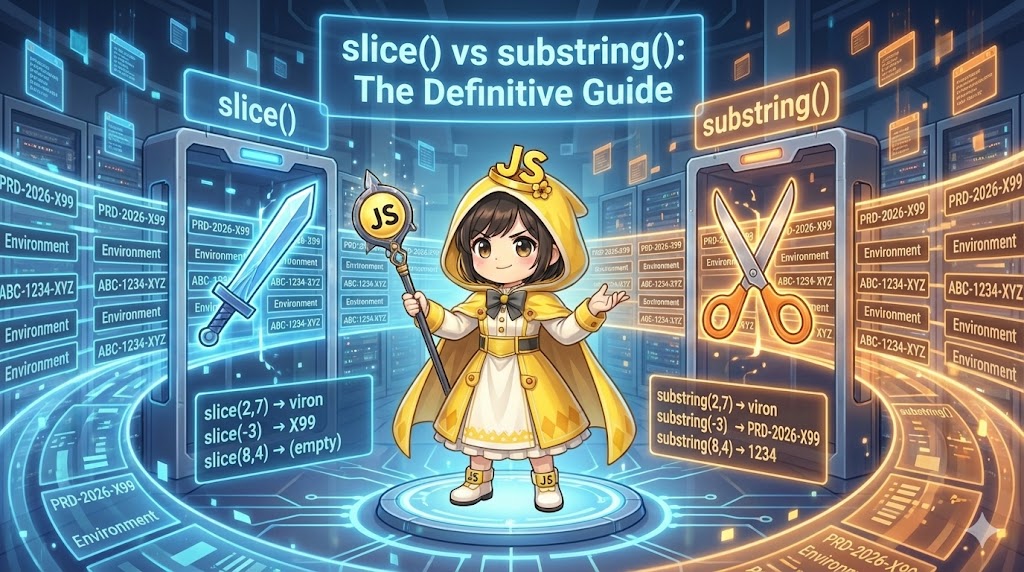
Overview
In JavaScript, a String is one of the most frequently used data types, used for displaying text on web pages and processing user input. Strings are created using single quotes ', double quotes ", or template literals (backticks `). This article explains the properties and methods for basic operations such as joining, extracting, searching, and replacing strings.
Specifications (Input/Output)
- Input: Raw text data (e.g., usernames, filenames, sentences).
- Output:
- New strings created by joining or replacing.
- Length of strings or index positions (numbers).
- Arrays of strings created by splitting.
Basic Usage
String variables are primitive types. Once created, their content cannot be changed directly (immutable). Therefore, methods that modify text always return a new string.
List of Major String Properties and Methods
| Method / Property | Meaning | Example Result (“Hello World”) |
str.length | Get character count | 11 |
str.slice(start, end) | Extract a specific range | slice(0, 5) -> “Hello” |
str.indexOf(search) | Search and return position | indexOf("o") -> 4 |
str.includes(search) | Check if string exists | includes("World") -> true |
str.replace(old, new) | Replace a string | replace("World", "JS") -> “Hello JS” |
str.split(separator) | Split into an array | split(" ") -> [“Hello”, “World”] |
str.trim() | Remove whitespace from ends | " Hi ".trim() -> “Hi” |
Full Code (HTML / JavaScript)
HTML (index.html)
<!DOCTYPE html>
<html lang="en">
<head>
    <meta charset="UTF-8">
    <meta name="viewport" content="width=device-width, initial-scale=1.0">
    <title>String Manipulation Demo</title>
    <script src="string-demo.js" defer></script>
</head>
<body>
    <div class="container">
        <h1>Please check the Console</h1>
        <p>The results of the string operations are being output.</p>
    </div>
</body>
</html>
JavaScript (string-demo.js)
/**
 * Demonstration of string manipulation
 */
const runStringDemo = () => {
    console.log('--- 1. Definition and Joining ---');

    const lastName = "Tanaka";
    const firstName = "Taro";

    // Joining is easy with template literals (backticks)
    const fullName = `${lastName} ${firstName}`;
    console.log(`Full Name: ${fullName}`); // "Tanaka Taro"
    console.log(`Length: ${fullName.length}`); // 11


    console.log('--- 2. Extraction and Search (slice / indexOf) ---');

    const filePath = "/users/docs/report.pdf";

    // Find the position of the dot "."
    const extensionIndex = filePath.indexOf(".");
    console.log(`Dot position: ${extensionIndex}`); // 17

    // Extract characters from the dot (the extension)
    // slice(start) gets everything until the end
    const extension = filePath.slice(extensionIndex);
    console.log(`Extension: ${extension}`); // ".pdf"


    console.log('--- 3. Replacement and Checking (replace / includes) ---');

    const message = "Hello, Java!";

    // Replace "Java" with "JavaScript"
    // Note: replace only changes the first match. Use replaceAll for all matches.
    const newMessage = message.replace("Java", "JavaScript");
    console.log(`After replacement: ${newMessage}`);

    // Check if a specific word is included
    const hasScript = newMessage.includes("Script");
    console.log(`Contains "Script": ${hasScript}`); // true


    console.log('--- 4. Splitting and Trimming (split / trim) ---');

    const tagInput = "  HTML, CSS, JavaScript  ";

    // Remove extra whitespace from both ends
    const cleanInput = tagInput.trim();
    console.log(`After trim: '${cleanInput}'`);

    // Split by comma into an array
    const tags = cleanInput.split(",");
    console.log(tags); // ["HTML", " CSS", " JavaScript"]
};

// Execute
runStringDemo();
Customization Tips
- Use Template Literals: Using backticks like
`${a} ${b}`is more intuitive than the+operator. It improves readability when including variables or line breaks. - Case Conversion: When searching or comparing, use
toUpperCase()ortoLowerCase()to handle variations like “Apple” vs “apple.”
Important Notes
JavaScript strings are immutable. Running methods like str.replace(...) does not change the original variable. You must save the return value in a new variable, such as const newStr = str.replace(...).
Advanced Applications
Formatting with Padding
When displaying dates or times, the padStart method makes it easy to add leading zeros.
const hour = 9;
const minute = 5;

// Fill with "0" on the left to ensure 2 digits
const timeString = `${hour.toString().padStart(2, "0")}:${minute.toString().padStart(2, "0")}`;

console.log(timeString); // "09:05"
Conclusion
String manipulation is a fundamental skill. Methods like slice, split, and replace are used frequently. Understanding that these methods return new strings rather than changing the original values is key to avoiding bugs.