Overview
lv (Large View) is a powerful, multilingual file viewer (pager).
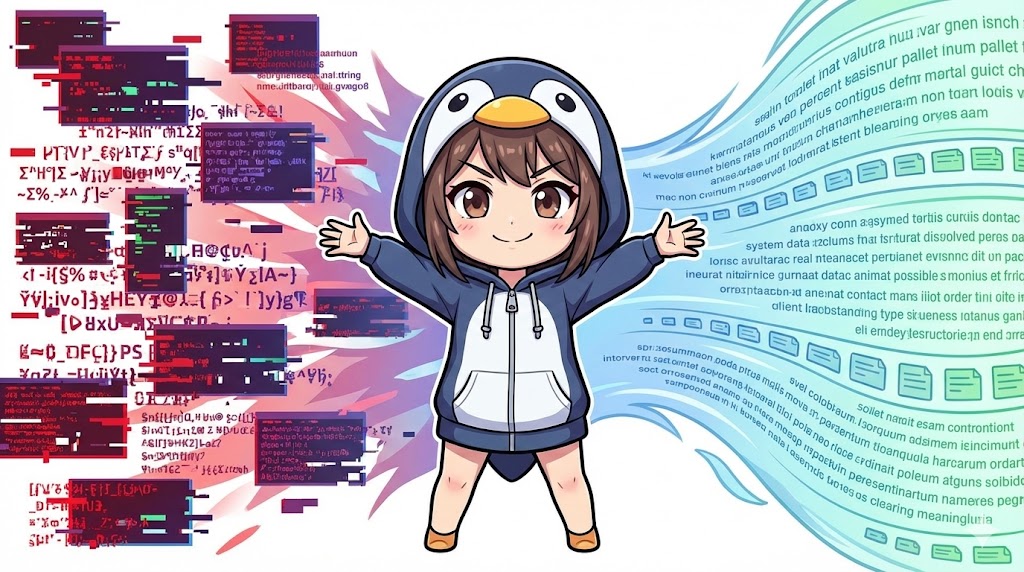
While it feels similar to the less command, its standout feature is the ability to automatically detect and convert character encodings like UTF-8, Shift_JIS, and EUC-JP.
It is highly useful for troubleshooting when you encounter garbled text in files created on Windows (Shift_JIS) or old system logs (EUC-JP).
Note: Since many distributions do not include it by default, you must install it first.
# Ubuntu/Debian
sudo apt install lv

# RHEL/CentOS (May require EPEL repository)
sudo dnf install lv
Specifications (Arguments/Options)
Syntax
lv [options] [filename]
Main Arguments and Options
lv offers many options for character encoding conversion.
| Option | Description |
-I[code] | Specifies the input file encoding (Input). Example: -Is (Shift_JIS), -Iu (UTF-8), -Ie (EUC-JP). |
-O[code] | Specifies the display or output encoding (Output). Used for redirecting converted output. |
-W[num] | Specifies the screen width for line wrapping. |
-H[num] | Specifies the screen height (number of lines). |
+[num] | Starts displaying from the specified line number. |
+/[string] | Opens the file and automatically searches for the specified string. |
-s | Squeezes consecutive blank lines into a single line. |
Available Encoding Symbols
Use these symbols immediately after the -I or -O options.
| Symbol | Encoding |
u | UTF-8 |
s | Shift_JIS (CP932) |
e | EUC-JP |
j | ISO-2022-JP (JIS) |
Basic Usage
Viewing Text Files (Auto-detection)
If you open a file without options, lv automatically identifies the character encoding and displays it correctly based on your terminal’s settings.
lv readme_sjis.txt
Display Example:
(Even if the file is Shift_JIS, it displays correctly in a UTF-8 terminal.)
================================
 System Update History
================================
2025/01/15 Regarding added features
...
(Press 'q' to quit, 'Space' to scroll)
Practical Commands
1. Viewing with a Specific Encoding
If auto-detection fails and the text remains garbled, you can explicitly tell lv the encoding using the -I option.
# Treat input as Shift_JIS (-Is) and display it
lv -Is legacy_data.csv
2. Converting and Saving File Encoding
Although lv is a pager, you can use redirection to turn it into a conversion tool similar to iconv or nkf.
Below is an example of reading a Shift_JIS file and saving it as EUC-JP.
# Specify input as Shift_JIS (-Is) and output as EUC-JP (-Oe) then redirect
lv -Is -Oe input_sjis.txt > output_euc.txt
3. Opening at a Specific Search Result
This is useful for quickly checking a specific error in a log file.
# Search for "CRITICAL" and start viewing from that location
lv +/CRITICAL application.log
Customization Points
Combine these options depending on your goal:
- Specifying Input Code (
-I...): Use-Is(Shift_JIS) for Windows files or-Ie(EUC-JP) for old UNIX files. - Specifying Output Code (
-O...): Usually-Ou(UTF-8) for modern Linux environments, or-Ojif you need JIS code for sending emails. - Specifying Starting Line (
+100): Use this to start reading from line 100 of a file.
Important Notes
- Installation Required: While
lessis standard on almost all Linux systems,lvoften requires manual installation. You may not be able to use it on servers where you cannot install new packages. - Color Support:
lvsupports escape sequences (color codes) by default. Ifgrephighlights are not displaying correctly, try the-coption. - Binary Files: Just like
less, opening binary files may cause unexpected behavior.
Advanced Application
Preventing Garbled Text in grep Results
Searching Shift_JIS files with grep can result in garbled output depending on terminal settings. Piping the output to lv ensures it is readable.
# Search for "Error" in a Shift_JIS file and display results correctly with lv
grep "Error" windows_log.txt | lv
Conclusion
The lv command is a powerful tool for overcoming character encoding barriers.
Reminder: It is not a standard command, so check if it is installed.A good practice for Linux administration is to use less normally and switch to lv as soon as you encounter encoding issues.
Best for: Viewing text files with broken encodings and converting file formats.
Key settings: Use -I to specify the source format and -O for the target format.