Overview
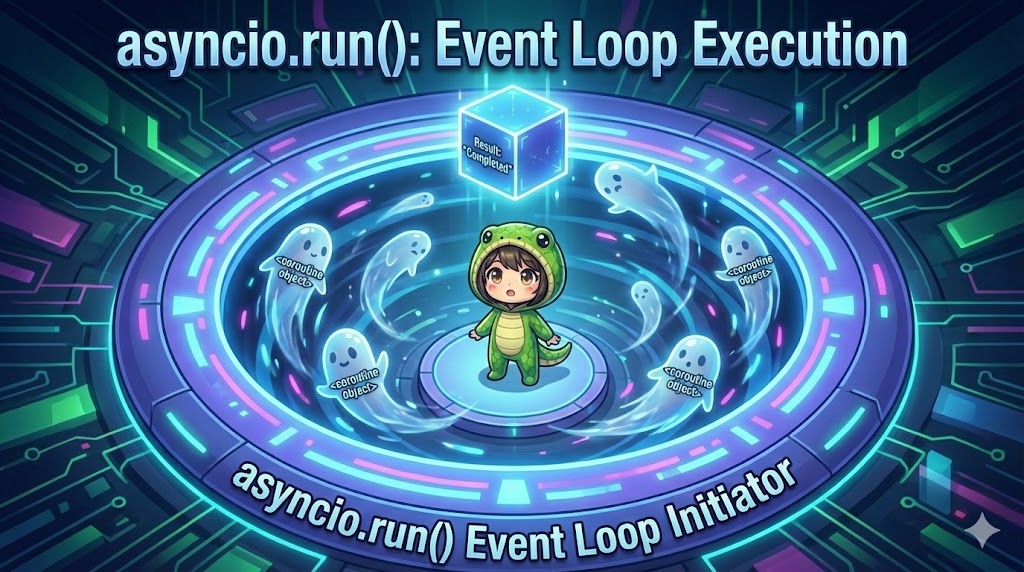
This article explains the asyncio.run() function, which serves as the entry point for running defined coroutines (async def) in Python’s asynchronous processing (asyncio). This function is a high-level API that manages the creation of an event loop, the execution of the coroutine, and the final cleanup (closing the loop).
Specifications (Input/Output)
- Input: A coroutine object (the result of calling an
async deffunction). - Output: The return value of the coroutine (if any).
- Functions:
- Creates and sets a new event loop in the current thread.
- Executes the specified coroutine until it completes.
- Closes the event loop upon termination.
Syntax and Meaning
| Syntax | Argument Example | Description |
asyncio.run(coro) | main() | Starts a new event loop, executes the coroutine coro, and returns the result after completion. This is the standard execution method since Python 3.7. |
Basic Usage
Define a coroutine function, call it to create a coroutine object, and pass that object to asyncio.run().
import asyncio

# Defining an asynchronous function
async def main():
    print("Executing main process")
    return "result value"

if __name__ == "__main__":
    # 1. Create a coroutine object
    coroutine_obj = main()

    # 2. Execute it in the event loop
    result = asyncio.run(coroutine_obj)

    print(f"Execution Result: {result}")
Full Code
This flow demonstrates how the event loop waits for processing and returns a result.
import asyncio
import time

async def heavy_task():
    """Coroutine simulating a time-consuming process"""
    print("[Task] Starting heavy process...")
    # Asynchronously wait for 1 second (during this time, the event loop can handle other jobs)
    await asyncio.sleep(1)
    print("[Task] Heavy process completed")
    return "completed data"

async def main():
    """Main coroutine"""
    print("[Main] Event loop started")

    # Wait for the subtask to complete
    result = await heavy_task()

    print(f"[Main] Received result from task: {result}")
    return "All steps finished"

if __name__ == "__main__":
    print("--- Program Started ---")

    # The event loop is created here and runs until main() finishes
    final_result = asyncio.run(main())

    print(f"--- Program Finished (Return value: {final_result}) ---")
Customization Points
What is an Event Loop?
The event loop is the heart of asynchronous processing. It works like an infinite loop that manages a “task queue” and quickly switches between tasks whenever one enters a waiting state. asyncio.run() automates the complex setup and cleanup of this mechanism.
Call Variations
It is common to pass the function call directly as an argument rather than storing it in a variable.
# Storing in a variable
obj = main()
asyncio.run(obj)

# Passing directly (Standard)
asyncio.run(main())
Important Notes
No Double Execution
You cannot call asyncio.run() from a place where an event loop is already running (such as inside another asynchronous function). Doing so will result in a RuntimeError. To call an asynchronous function from within another, simply use await function_name().
Jupyter Notebook / Google Colab
In these environments, an event loop is already running in the background. Therefore, executing asyncio.run(main()) will cause an “Event loop is already running” error. On a Notebook, you can execute it by simply writing await main().
Summary
Since Python 3.7, asyncio.run(main()) has become the standard practice for starting asynchronous processes. Remember the principle: “A coroutine is not finished just by creating it; it only runs once it is passed to an event loop.”